Skip to content
HomeDemoGuidesInstall appAboutContactSign In
Interface language
Teacher guide

Get started

  1. 1. Get a teacher account
  2. 2. Add READSmart Online to your phone
  3. 3. Your overview
  4. 4. Notifications
  5. 5. Your profile and password
Your class

  1. 6. Your classes
  2. 7. Add students and print sign-in cards
  3. 8. Guardian consent
  4. 9. Class story library

Reading checks

  1. 10. Open a reading check
  2. 11. Review a recording

Reports and forms

  1. 12. Follow a student
  2. 13. Class statistics
  3. 14. Print Phil-IRI forms
  1. Questions
  1. Guides
  2. /Teacher guide
  3. /Your profile and password

5 of 15

All topics

Get started

  1. 1. Get a teacher account
  2. 2. Add READSmart Online to your phone
  3. 3. Your overview
  4. 4. Notifications
  5. 5. Your profile and password

Your class

  1. 6. Your classes
  2. 7. Add students and print sign-in cards
  3. 8. Guardian consent
  4. 9. Class story library

Reading checks

  1. 10. Open a reading check
  2. 11. Review a recording

Reports and forms

  1. 12. Follow a student
  2. 13. Class statistics
  3. 14. Print Phil-IRI forms
  1. Questions

Your profile and password

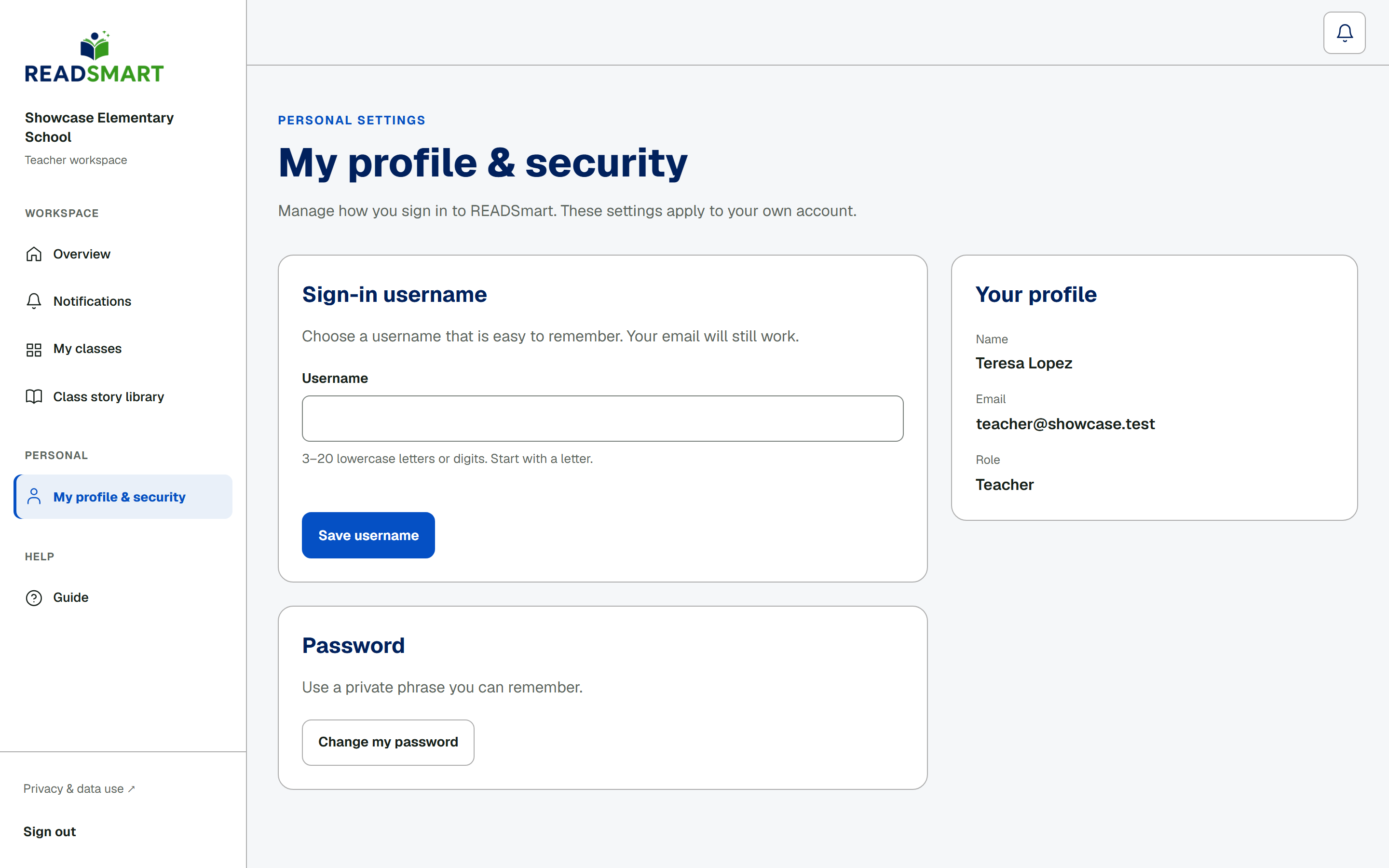
Your profile
Change your username or password.

On My profile & security, edit your sign-in username and save it; your email keeps working either way. Tap Change my password to enter your current password, then a new one twice, and set it.

Previous NotificationsAll topicsNext Your classes

Download the whole guide (PDF, 5.7 MB)

READSmart

Read Today. Learn Today. Grow Every Day!

GuidesResearchAboutContactPrivacySources

Oral reading research for Grades 4–6 by Cyrill D. Tapales, MSIT · Eastern Visayas State University, Main Campus