
Guides
Step-by-step help for students, teachers and school administrators. The pictures come from a made-up showcase school, so no real student appears in them.
Student guide
For students in Grades 4 to 6
Sign in, read aloud, practice with stories and follow your progress.
Teacher guide
For class teachers
Student accounts, reading checks, reviewing recordings, class statistics and printable forms.
School admin guide
For school administrators
Teacher approvals, classes and teacher teams, staff access, and usage and practice limits.
See READSmart at work
A quick look at what each person can do, straight from the guides.
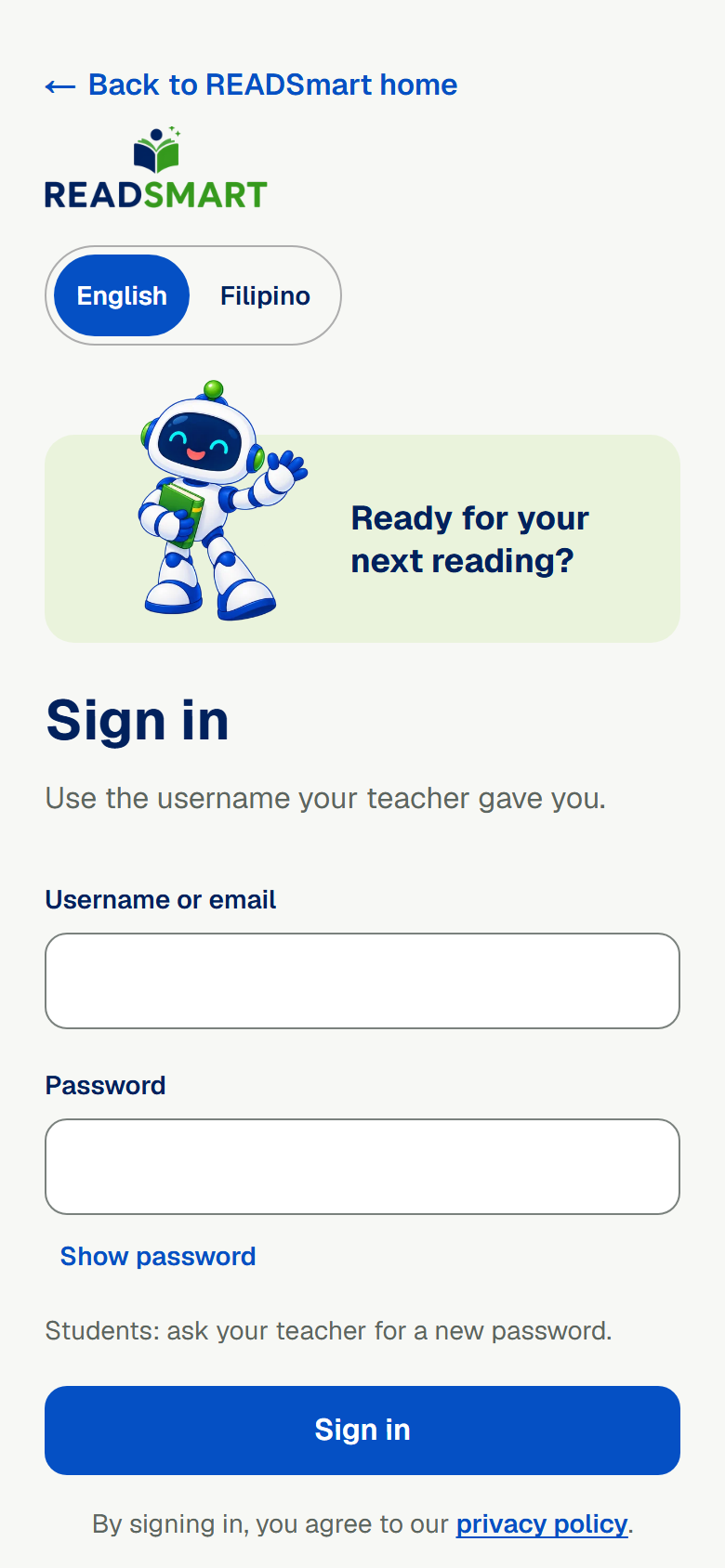
Student
Sign in
Students sign in with a short username and password from their teacher.
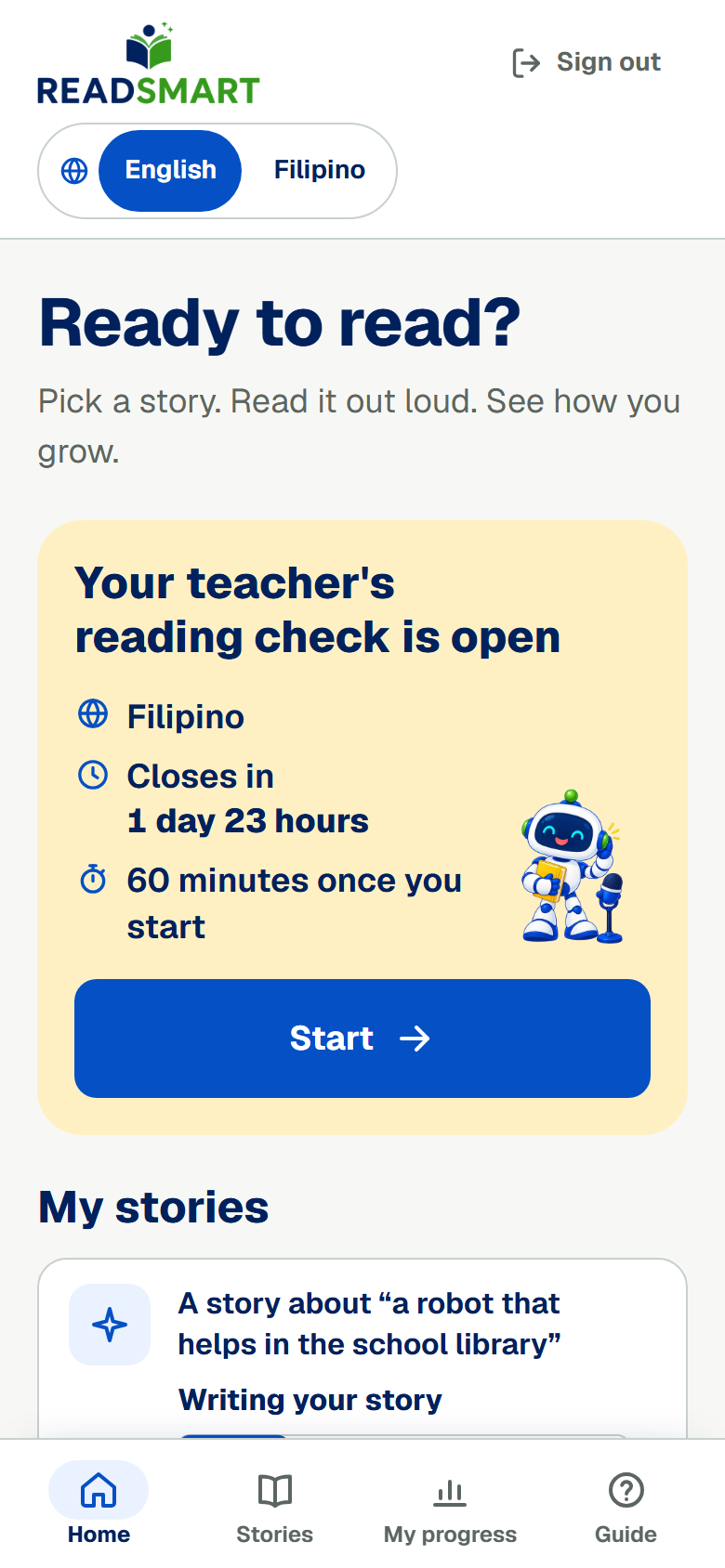
Student
Your home page
Each student's home page shows open reading checks, their own stories and their latest reading.
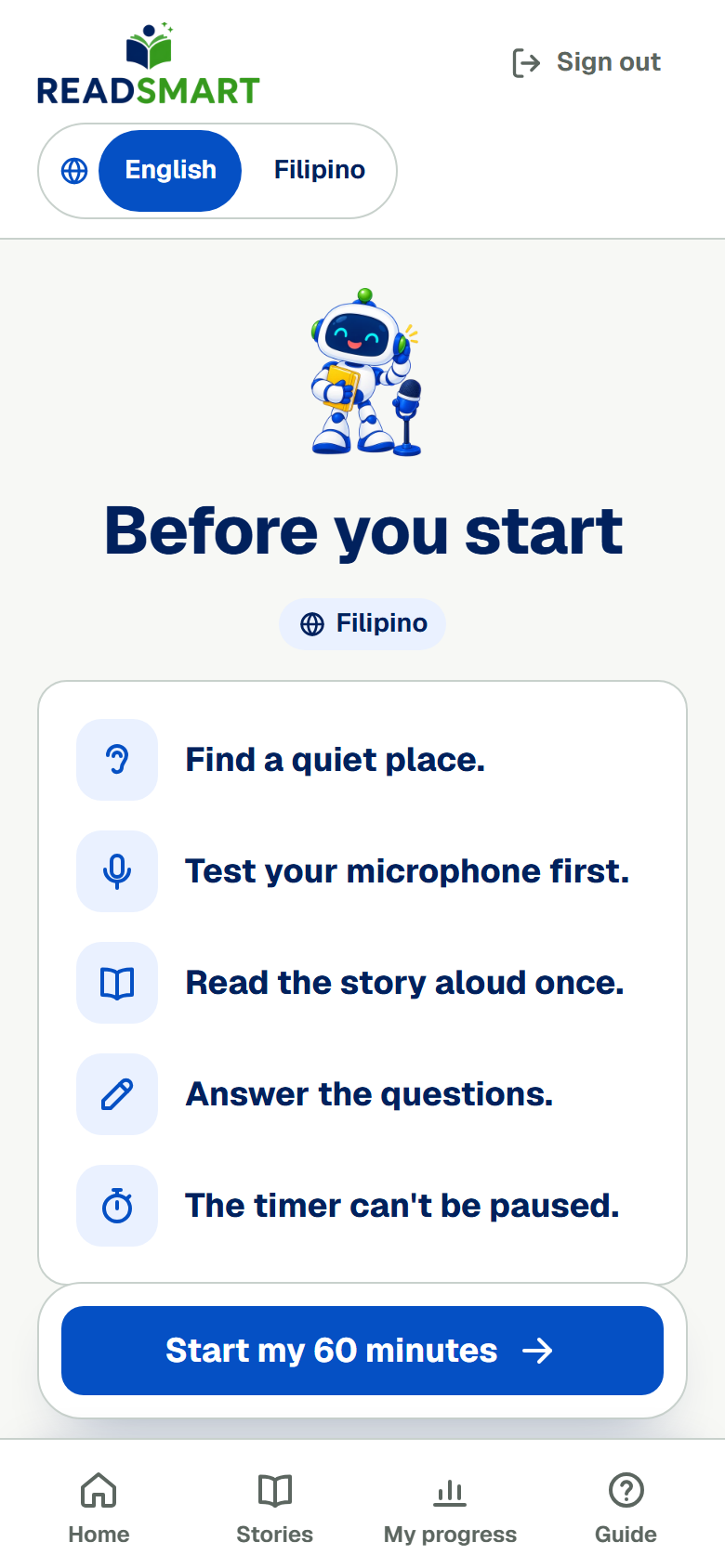
Student
Take a reading check
Official reading checks run at school or at home, with one start per student and a time limit.
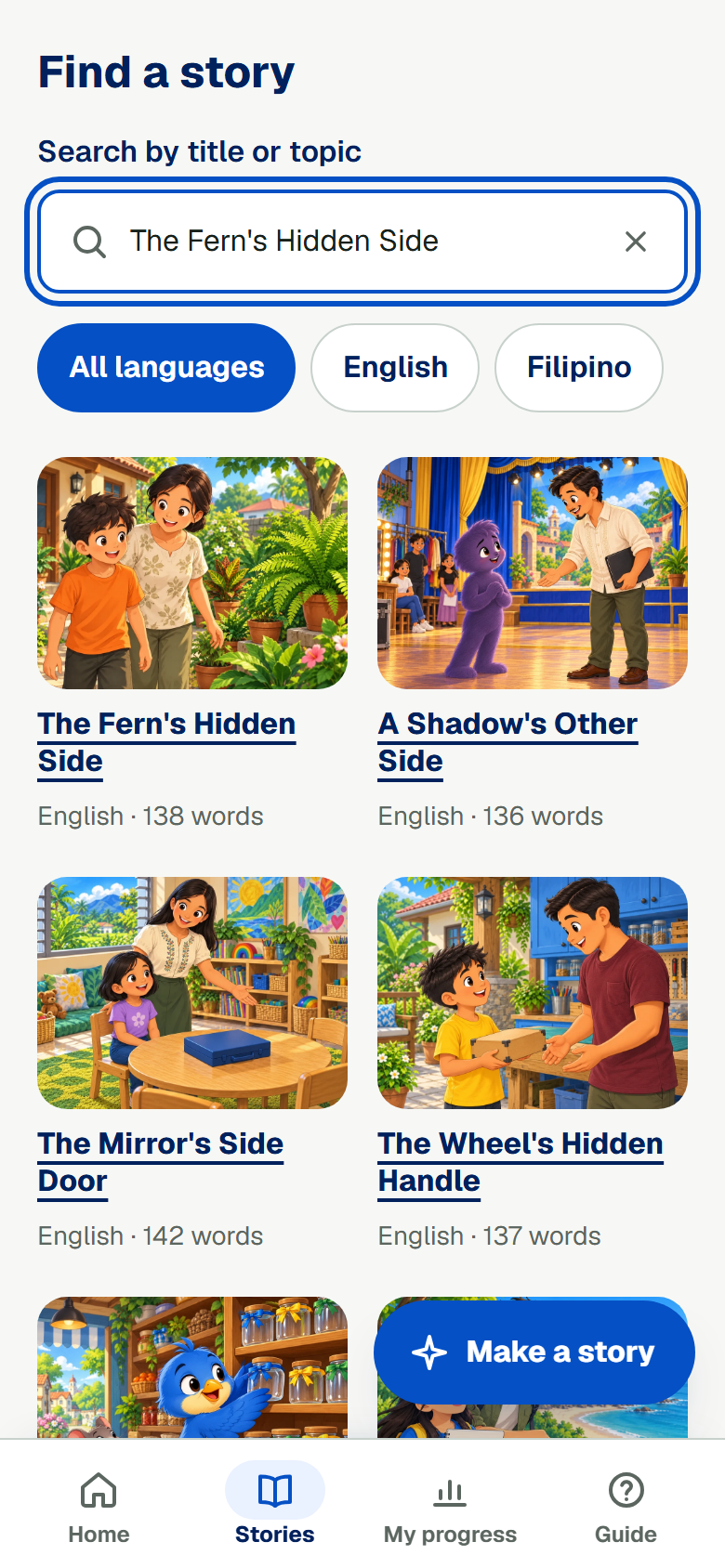
Student
Read a practice story
A library of practice stories in English and Filipino that students can read aloud any time.
Student
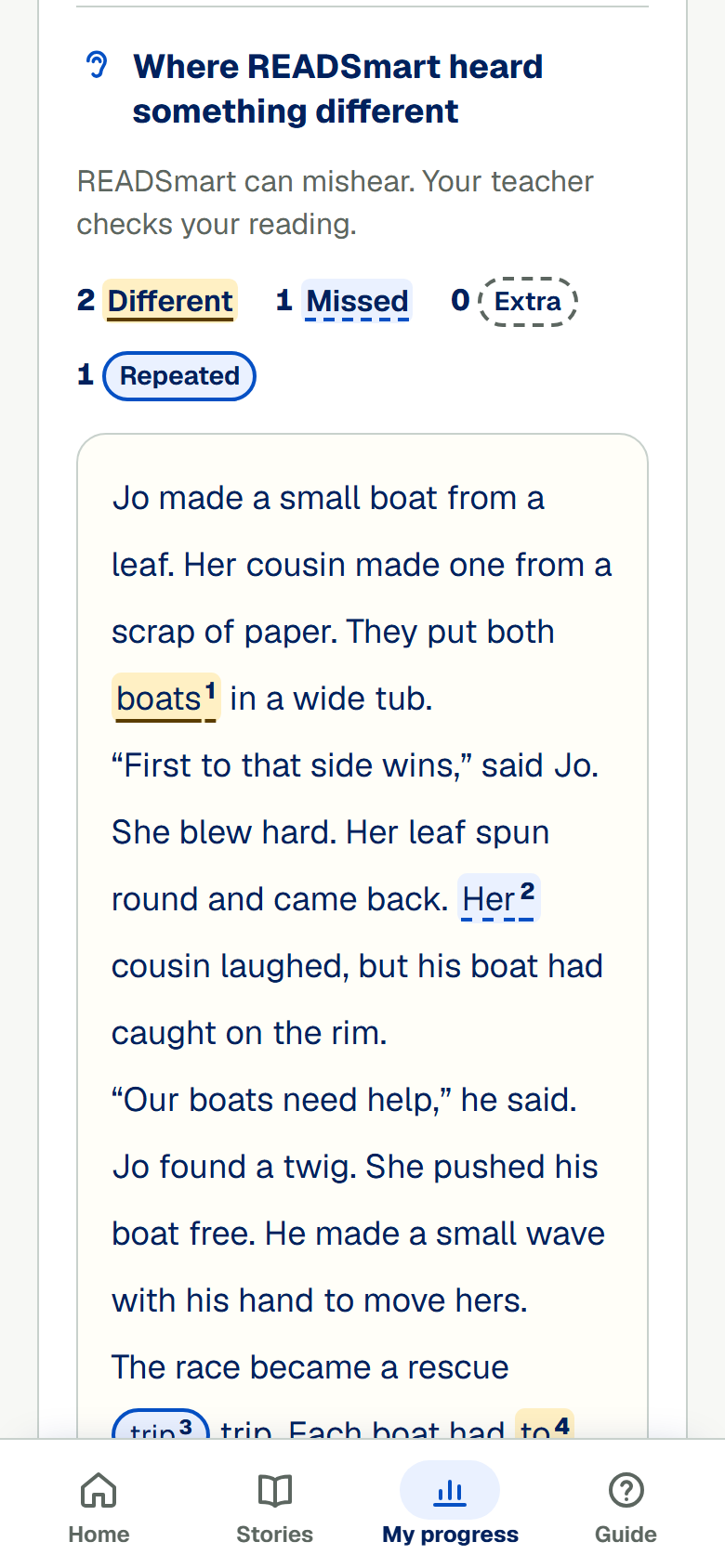
See what READSmart heard
After a practice reading, students see where READSmart heard something different from the story.
Student
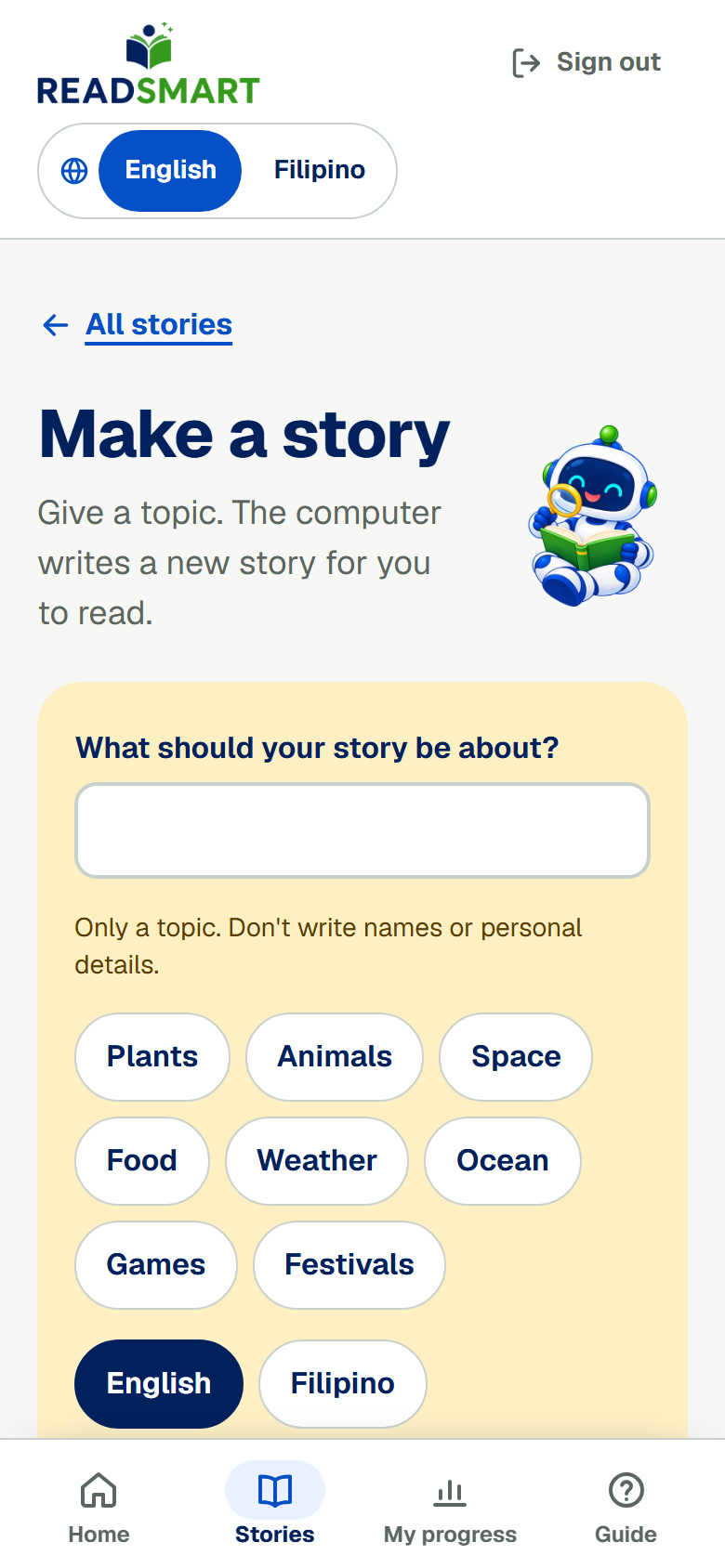
Make your own story
Students can ask for a new practice story about something they like. A teacher checks each story first.
Student
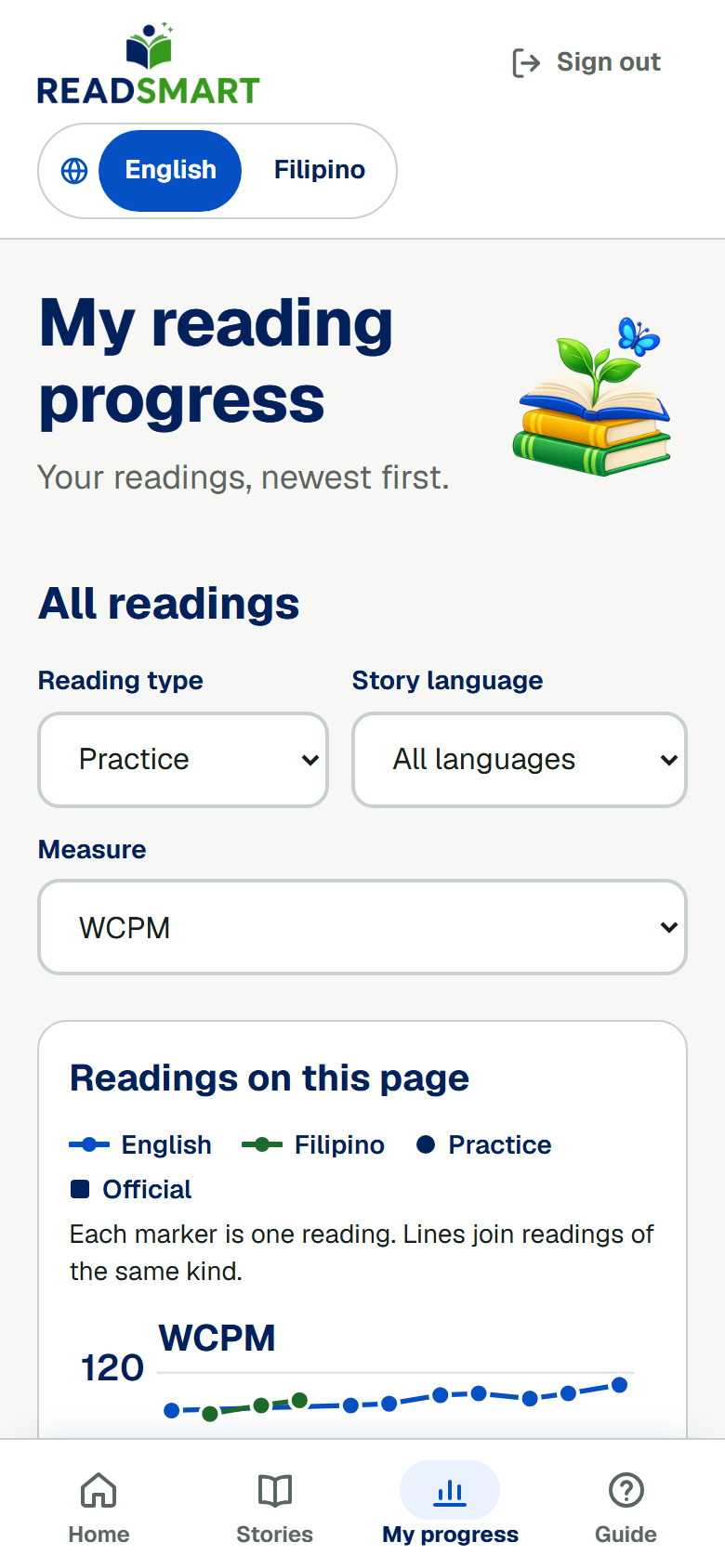
See your progress
Students follow their reading speed, accuracy and understanding over time.
Teacher
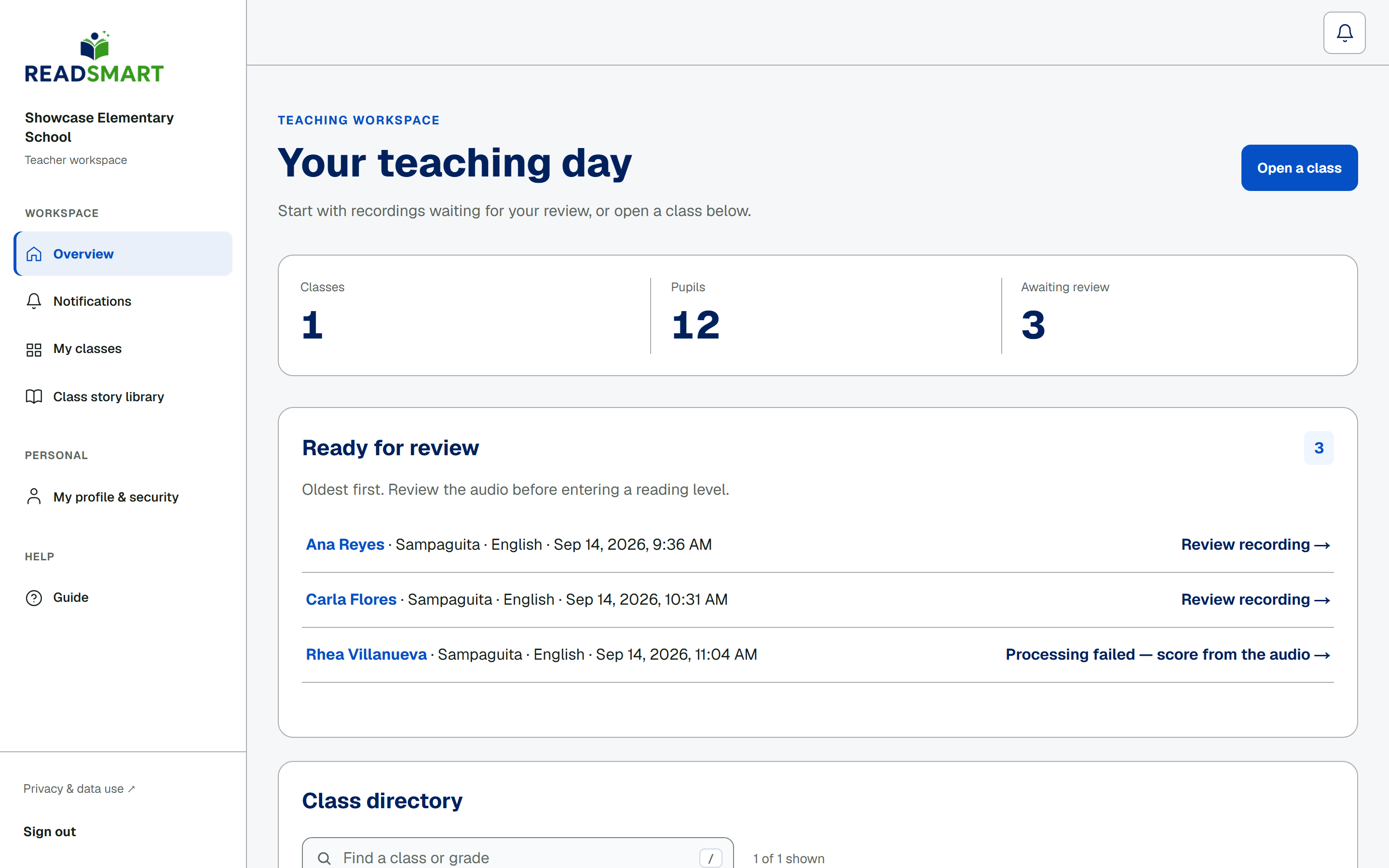
Your overview
A daily overview of each class, its students and the readings waiting for review.
Teacher
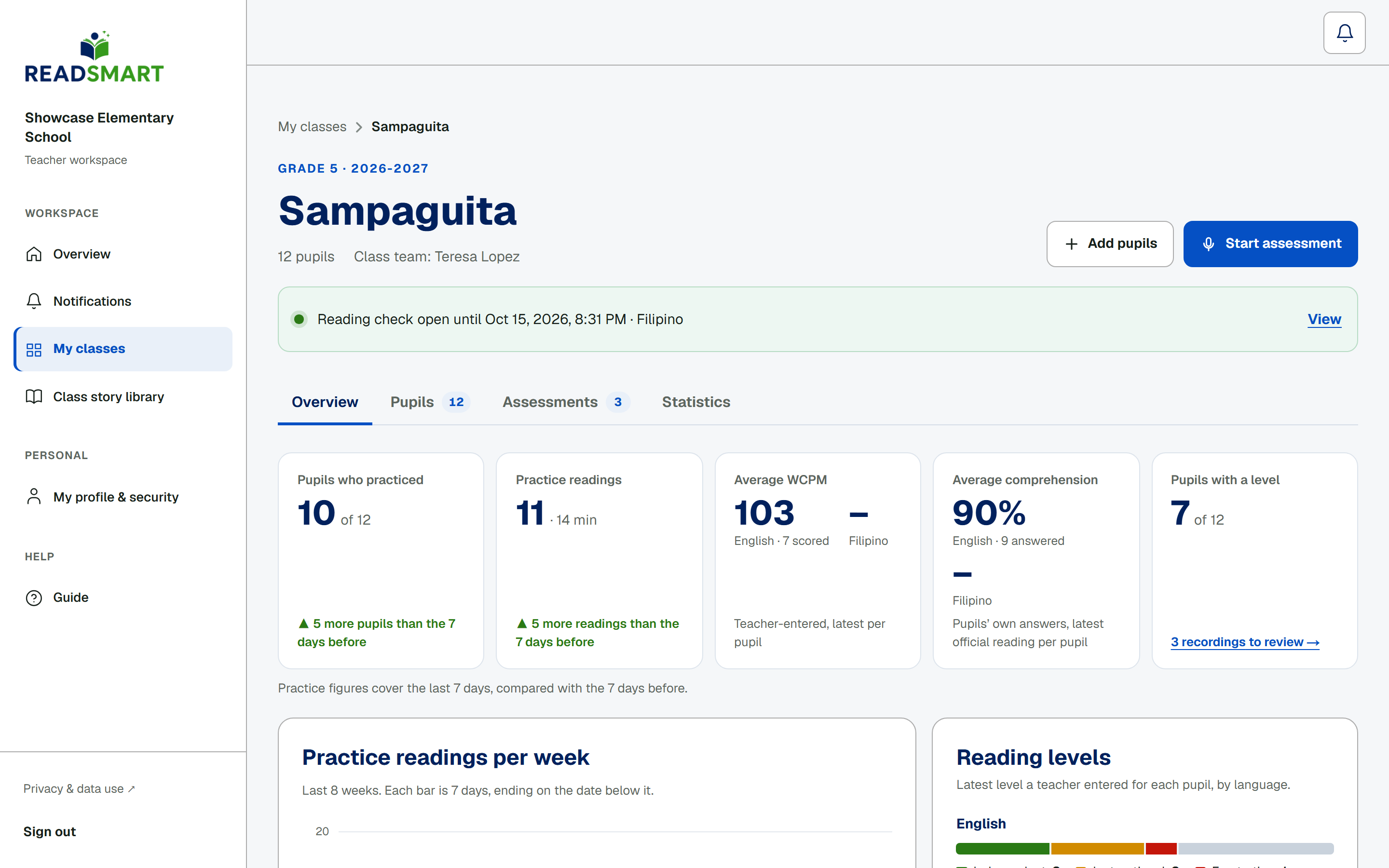
Your classes
Each class page shows who needs attention, how practice is going and what to do next.
Teacher
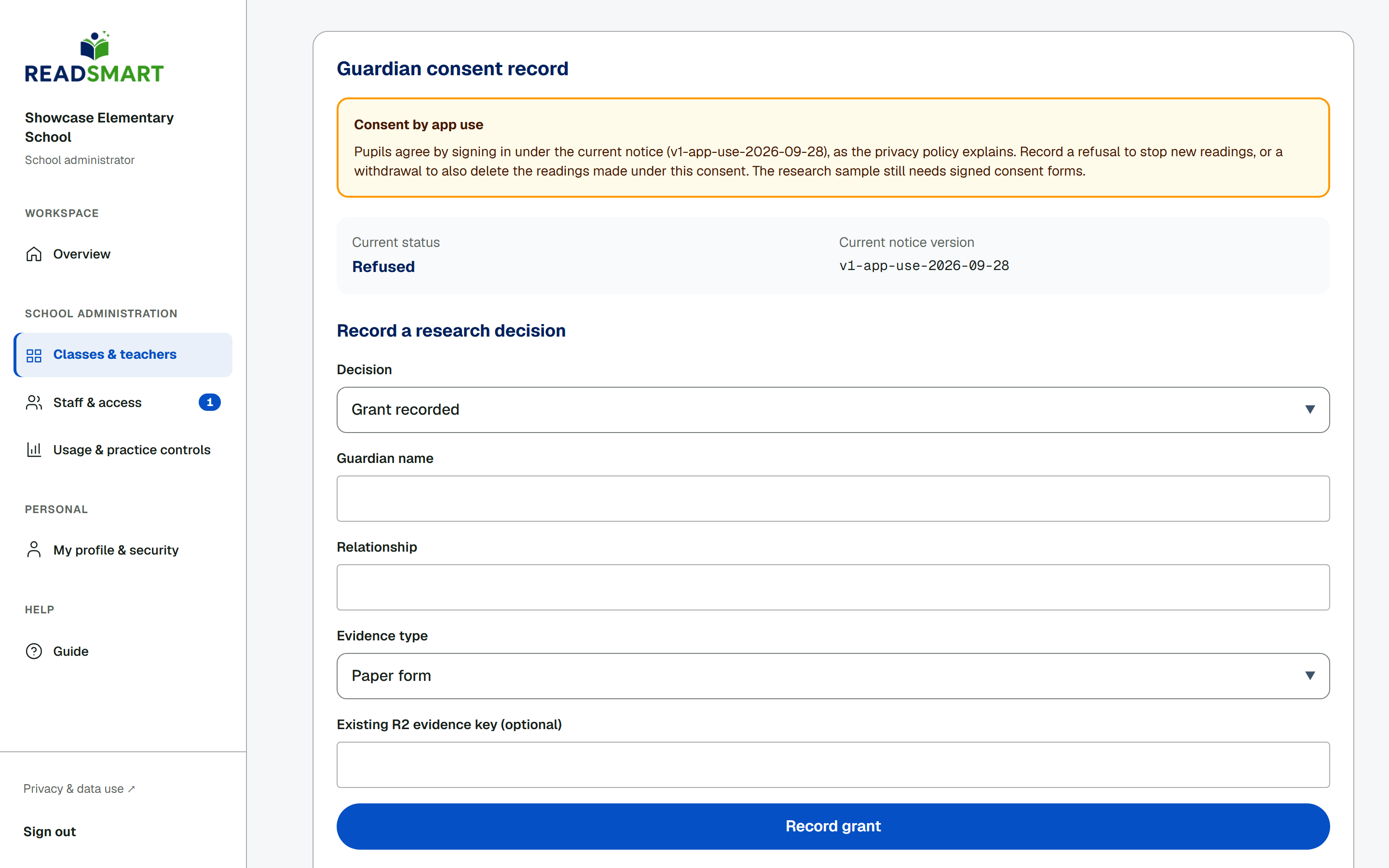
Guardian consent
Using READSmart counts as consent, and a guardian's refusal stops recording at once.
Teacher
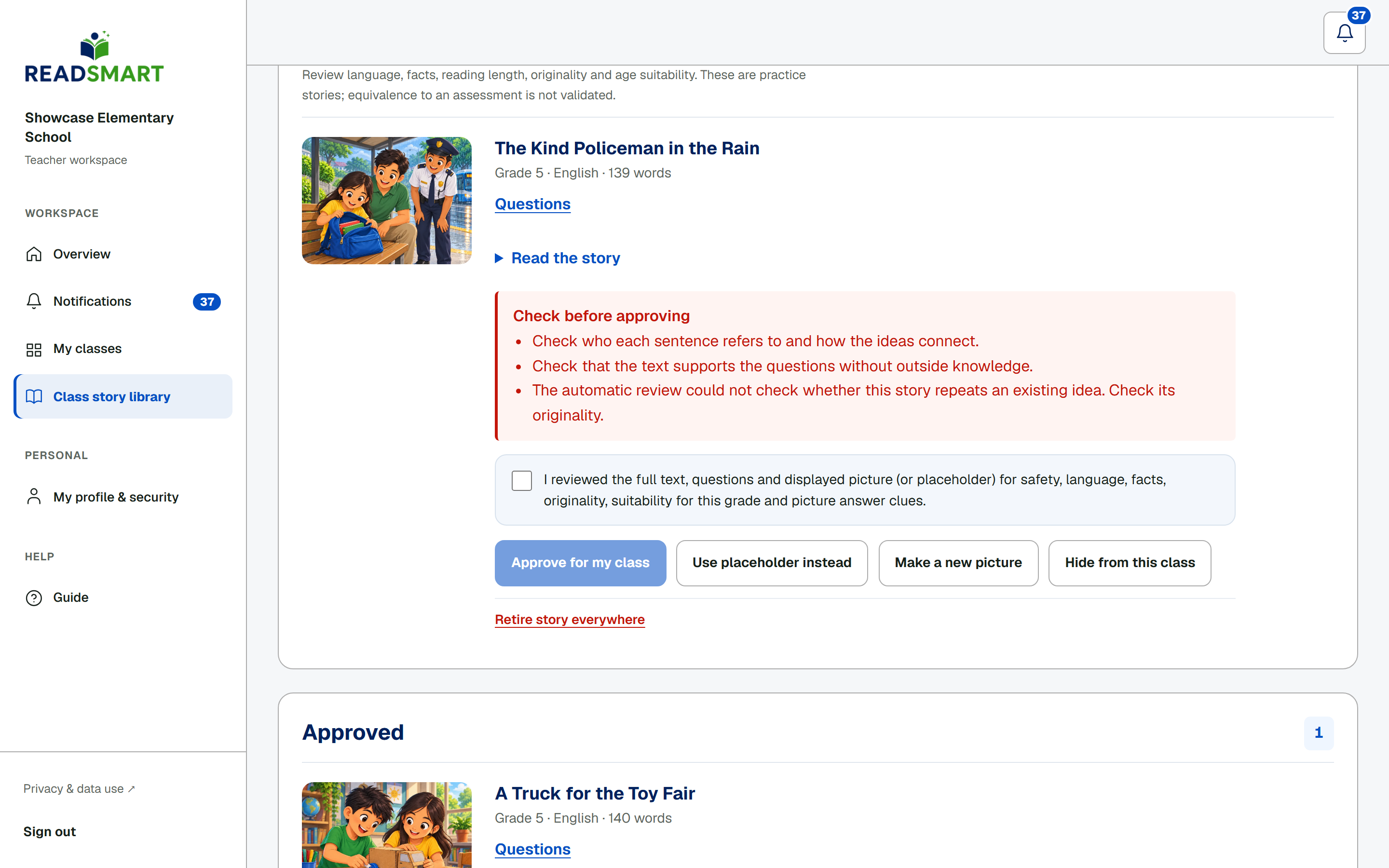
Class story library
Check student-made stories and their questions before the class reads them.
Teacher
Open a reading check
Open an official reading check for the whole class or chosen students, at school or at home.
Teacher
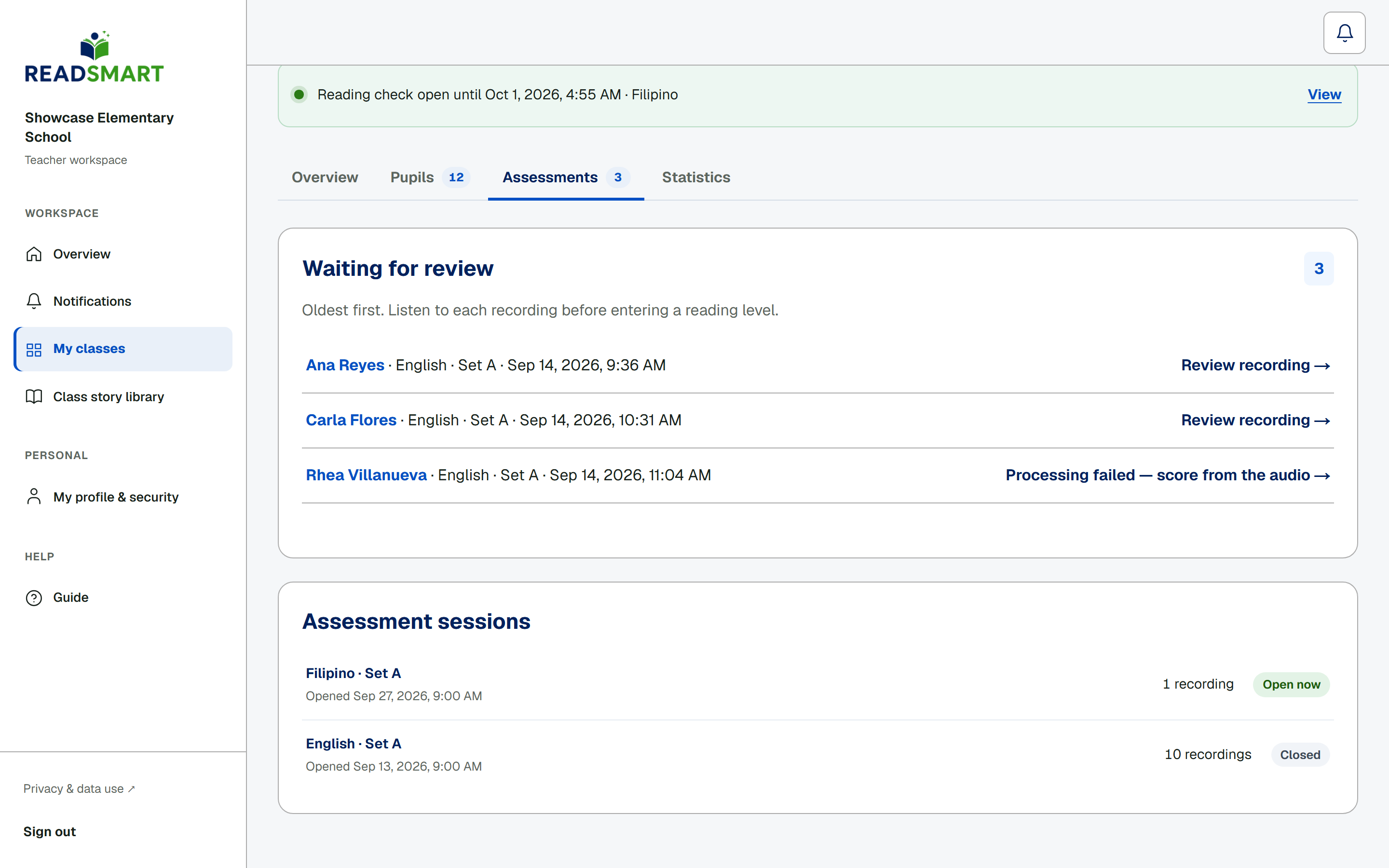
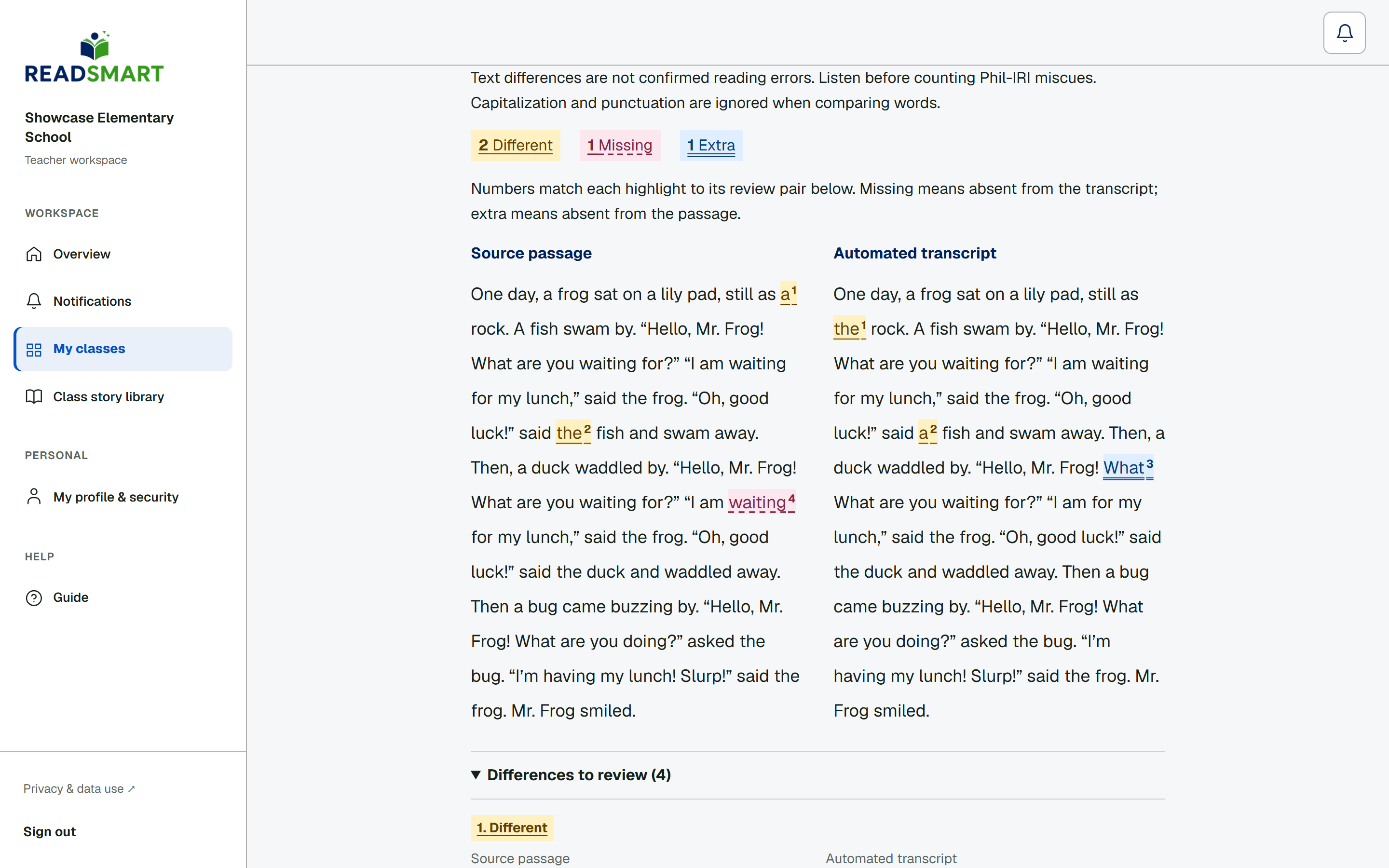
Review a recording
Listen to each reading, see where the transcript differs from the passage, and save your own score.
Teacher
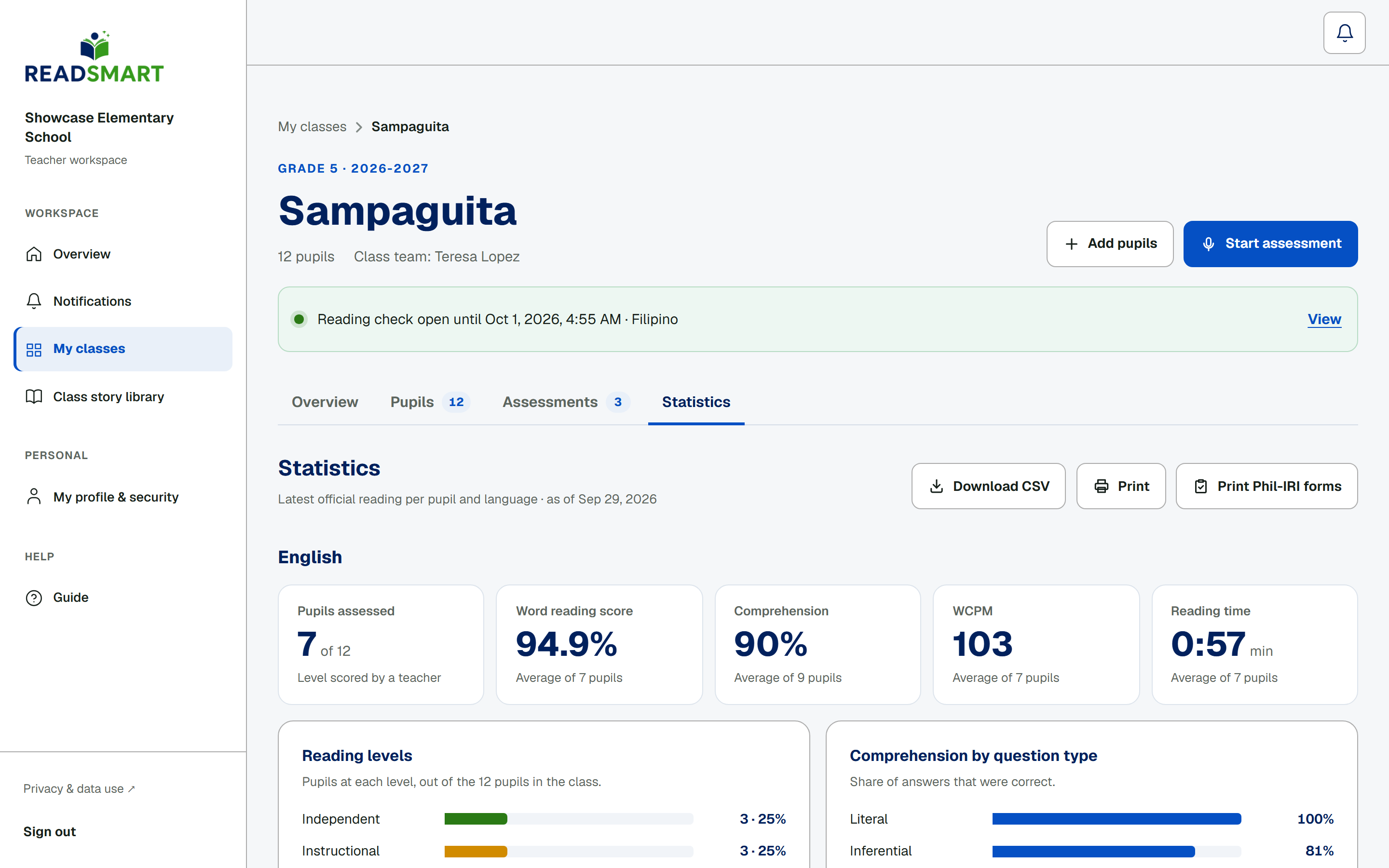
Class statistics
Class statistics by language, with Phil-IRI levels and comprehension by question type.
Teacher
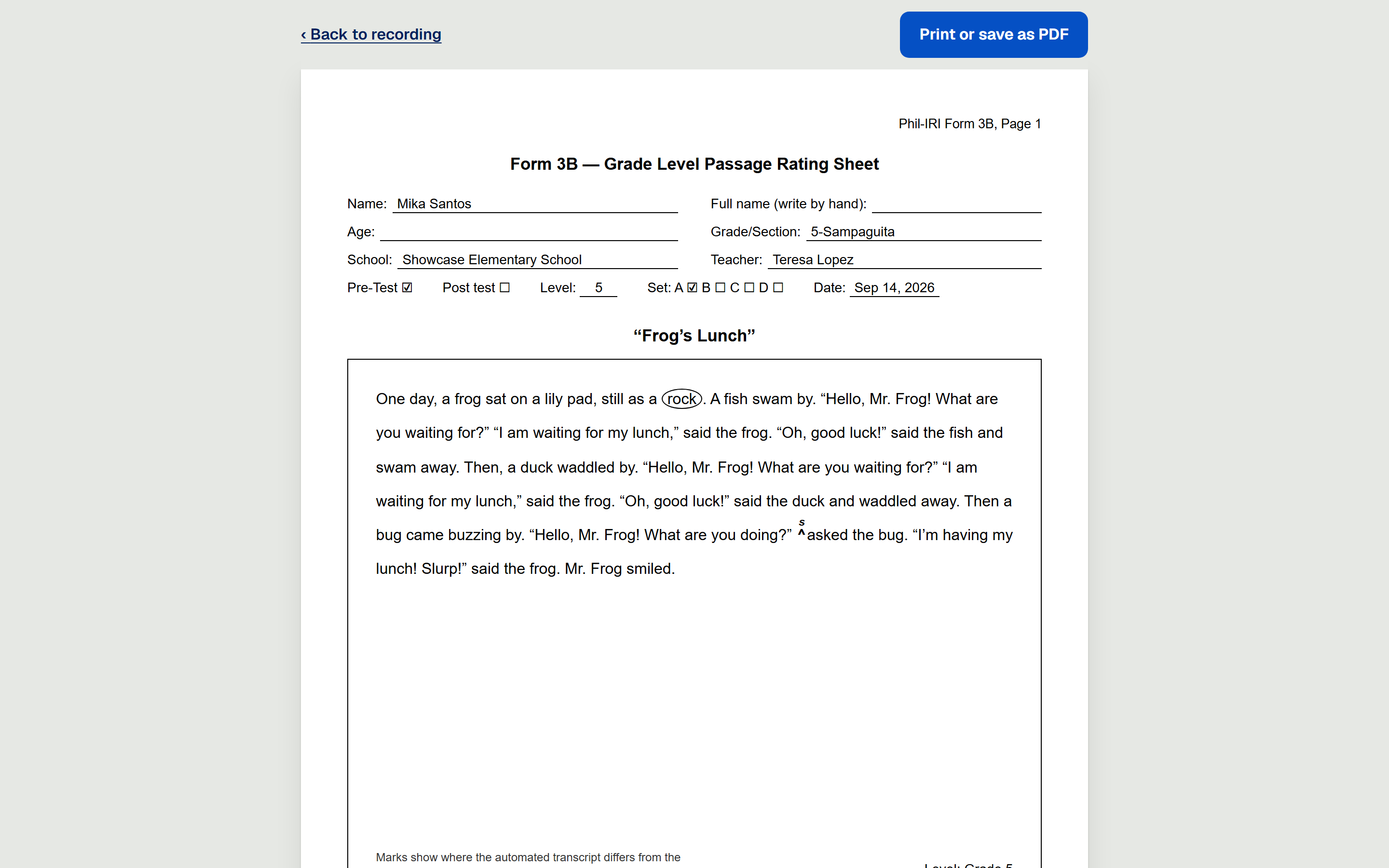
Print Phil-IRI forms
Print Phil-IRI Forms 3A, 3B and 4 straight from READSmart.
School admin
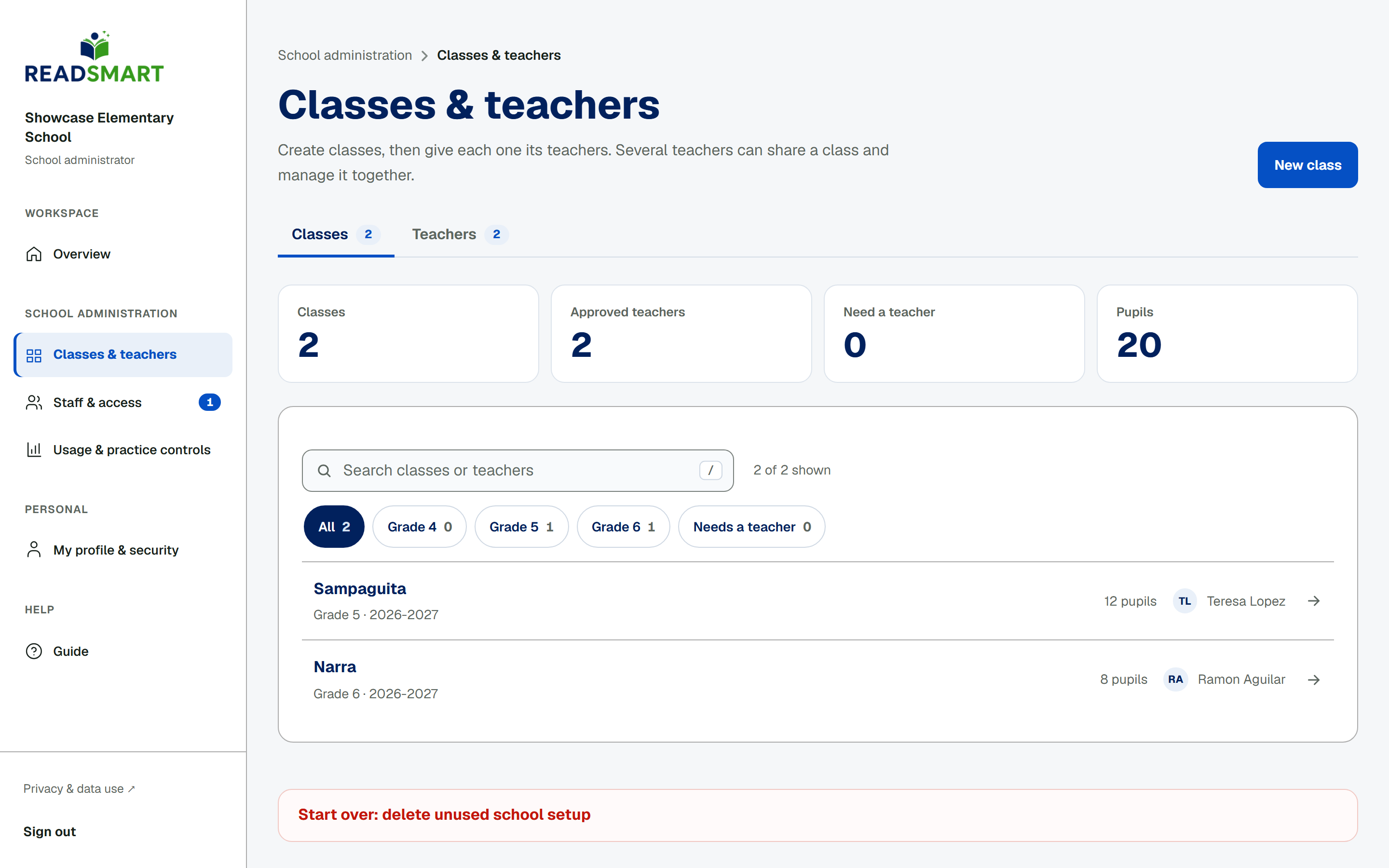
Set up classes
School administrators create classes and give each one its teacher team.
School admin
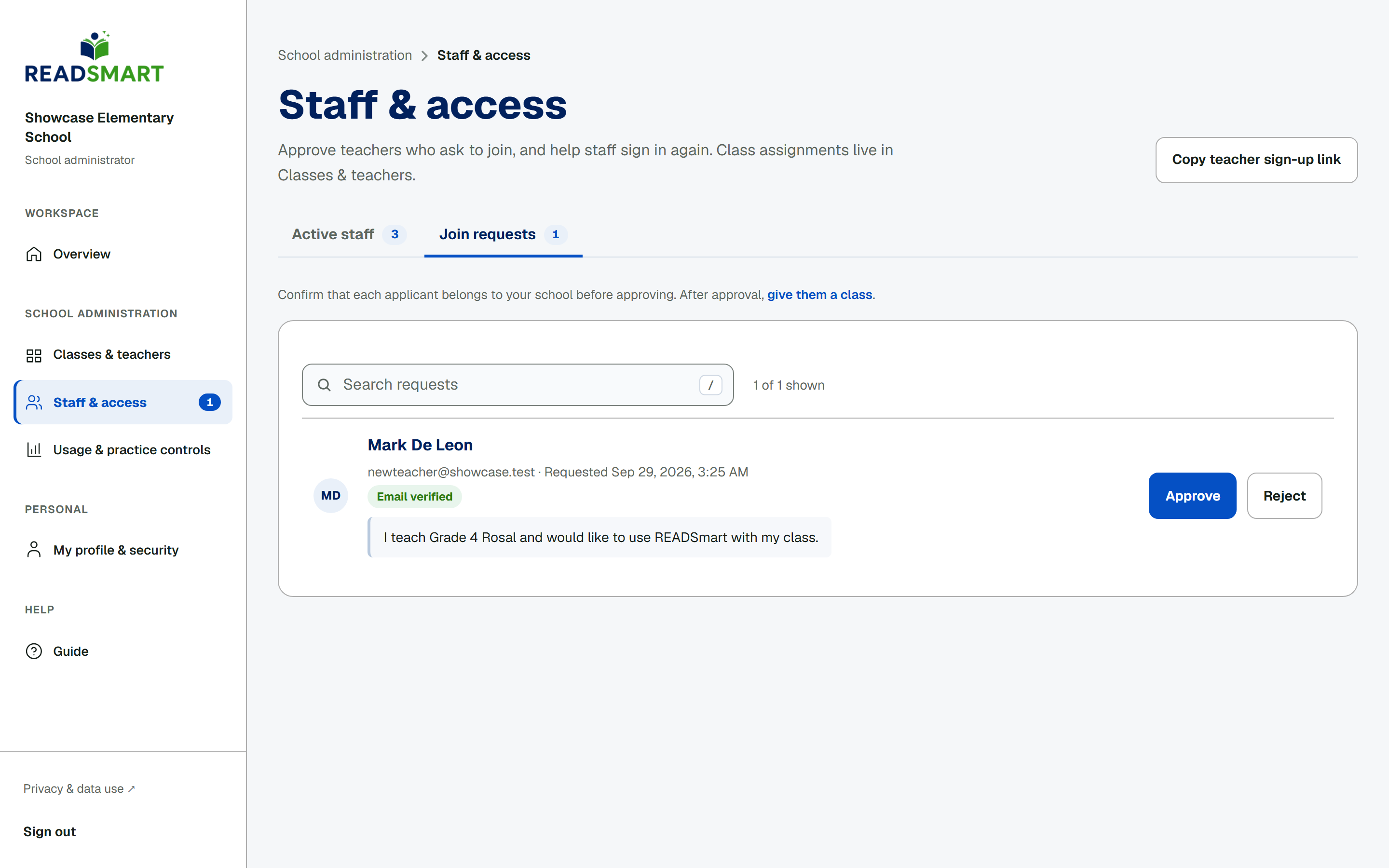
Approve teacher requests
Teachers ask to join their school, and an administrator approves each request.
School admin
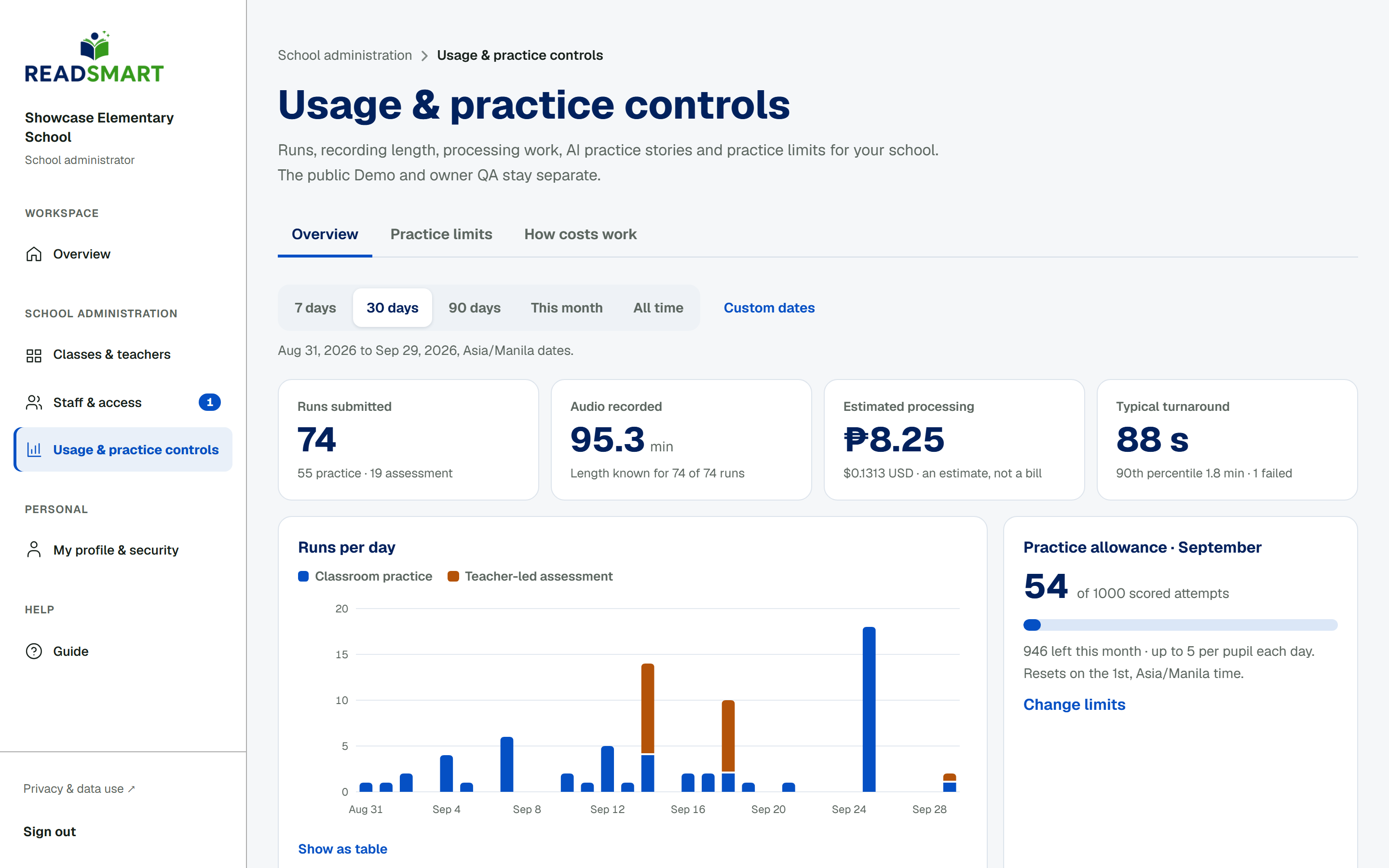
Usage and practice limits
See recording activity and estimated costs, and set daily and monthly practice limits.