
Add students and print sign-in cards
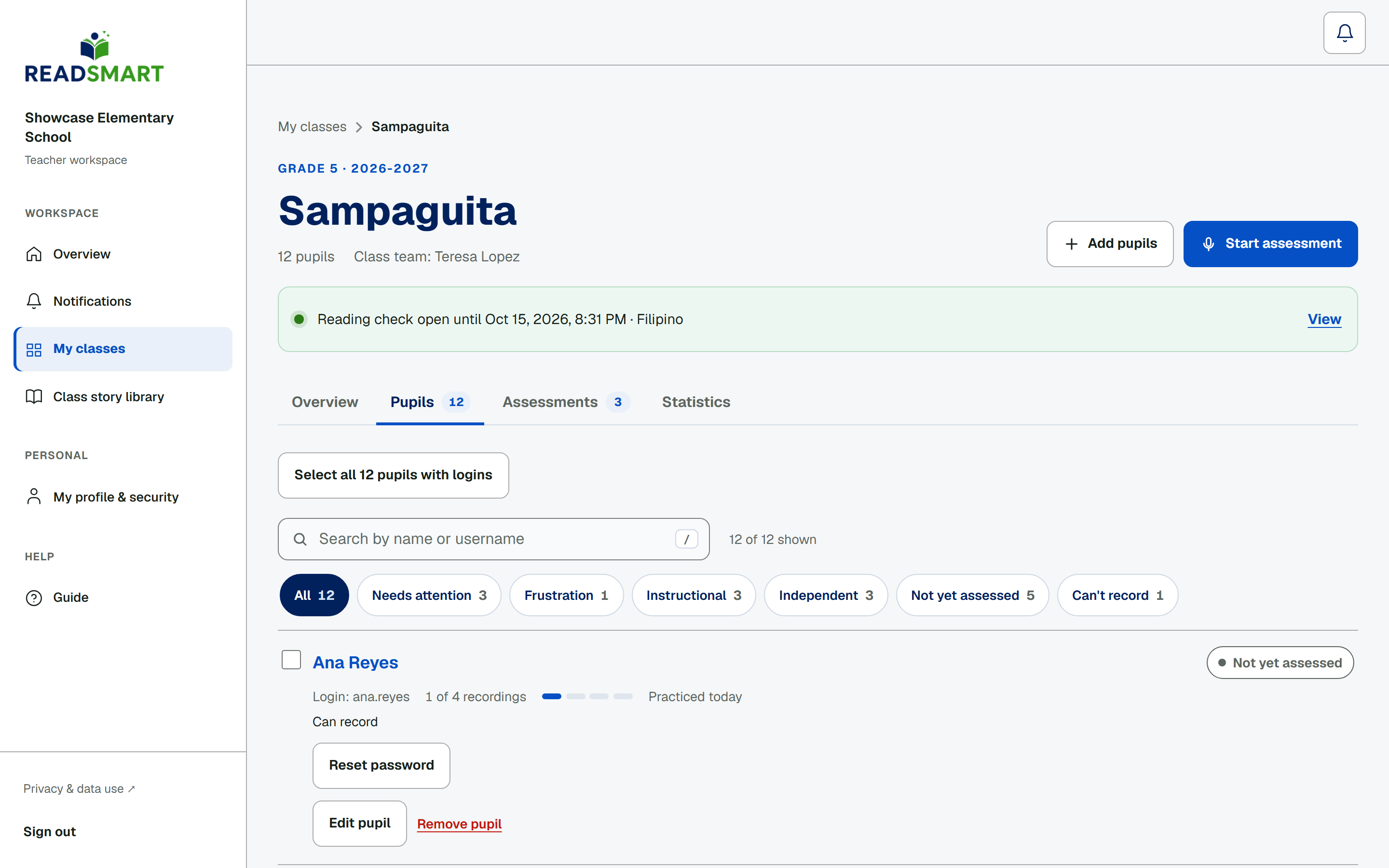
Tap Add pupils, then paste a list of names, one per line, or add one student at a time. Review the suggested label and username for each, then create them: READSmart makes a username and a first password for every student. Copy or print the login cards before you close the window, since each password is shown once and expires in 72 hours. Use the filters above the roster, such as Needs attention or Can't record, to narrow a large class. If a student forgets their password, find them in the list and tap Reset password to issue a new one.