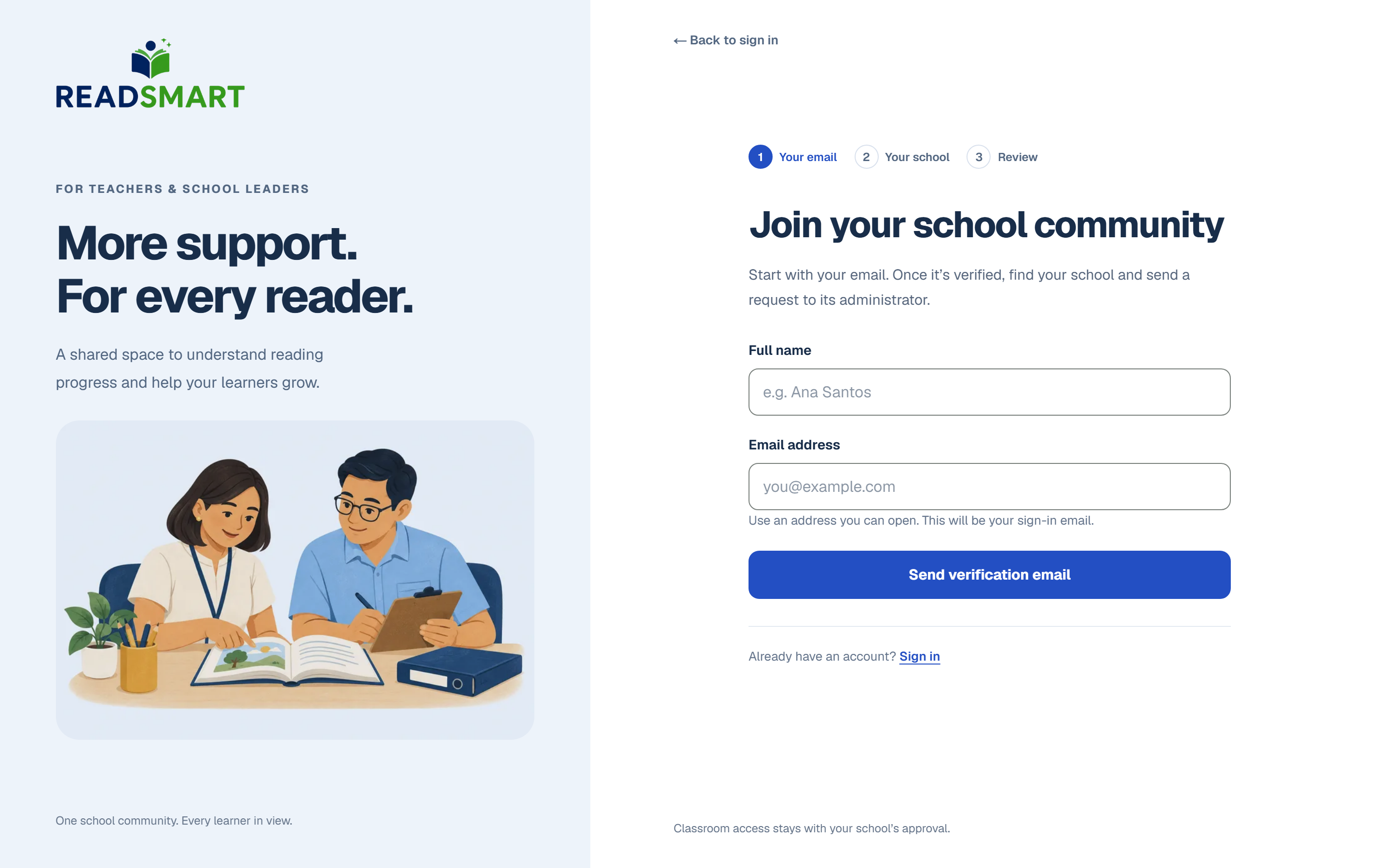
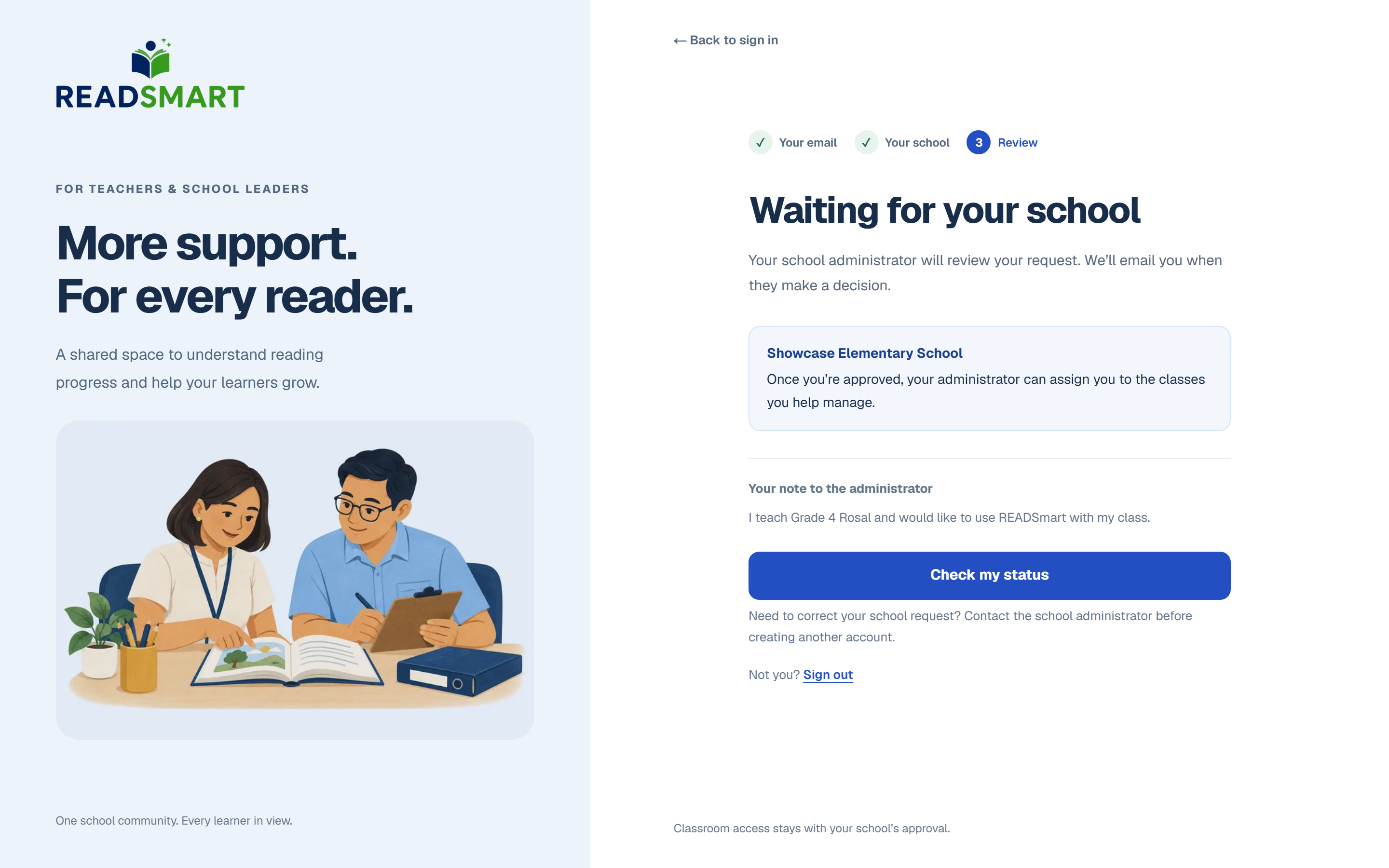
Enter your name and school email.Your school administrator approves your request.
On the teacher sign-up page, enter your name and email, then tap Send verification
email.
Open the link in that email and tap Verify email & continue.
Search for your school, choose a password, and add an optional note for your
administrator, then tap Request to join school.
Wait for your school administrator to decide. You will see "Waiting for your school"
until they do, and get an email either way.
Forgot your password later? On the sign-in page tap "Not a student? Get help", then "I
forgot my password", and follow the emailed link to set a new one.