
Read a practice story
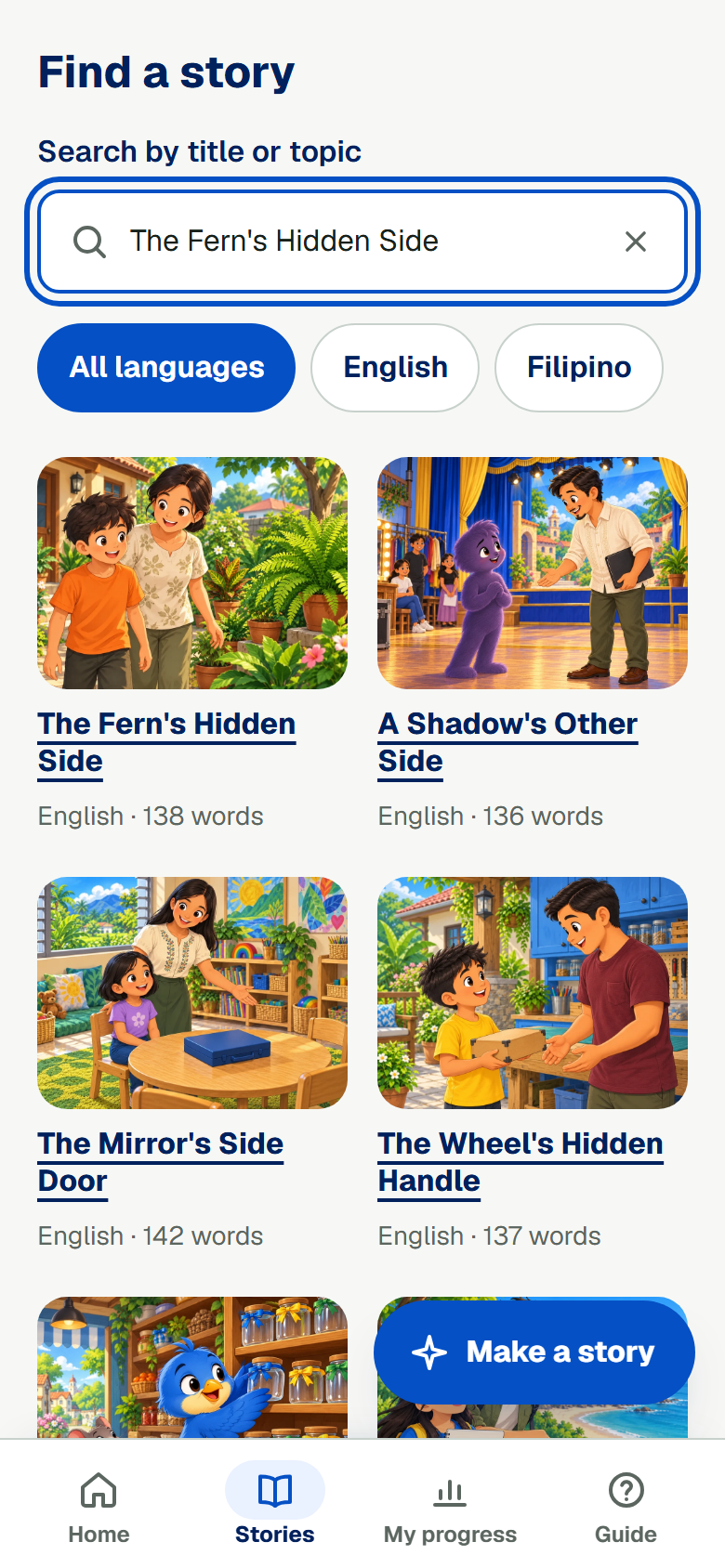
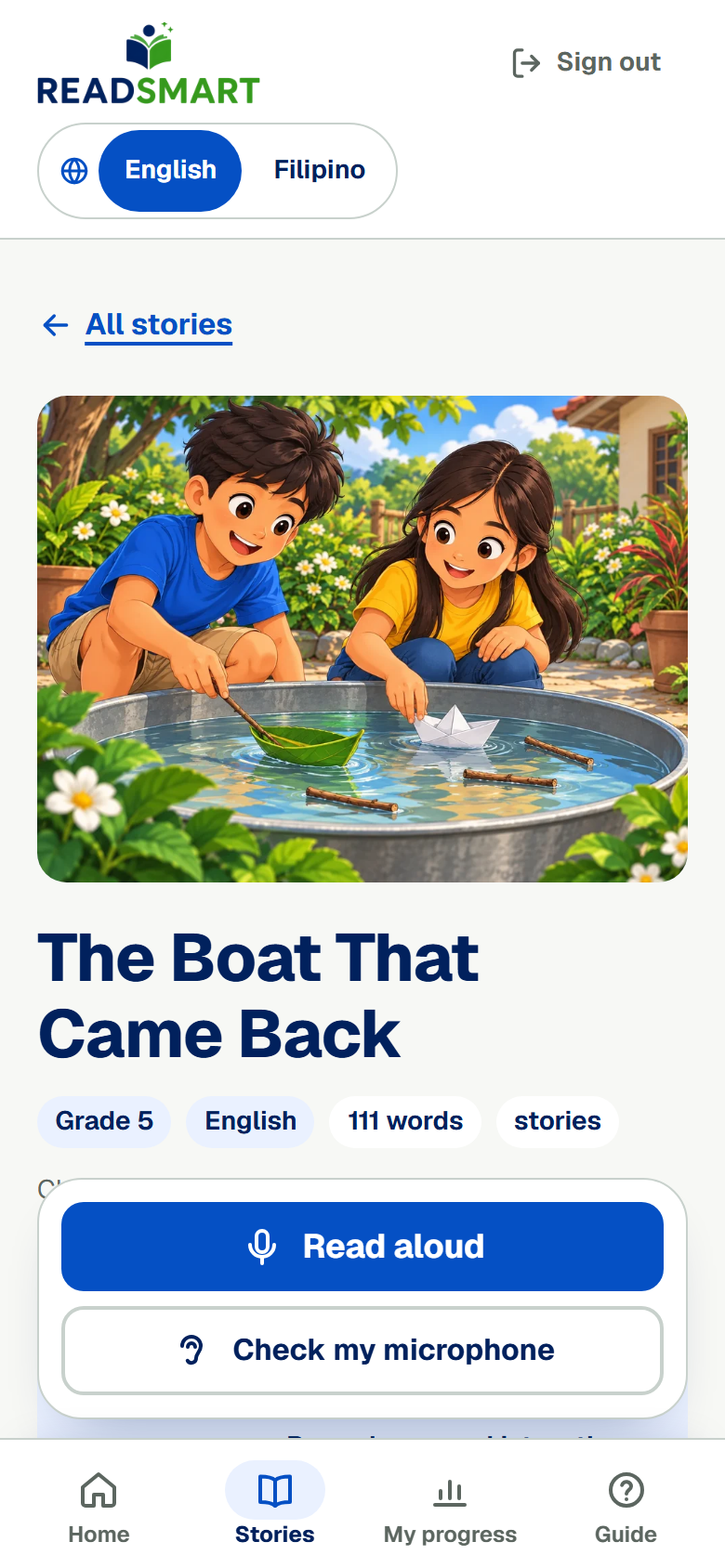
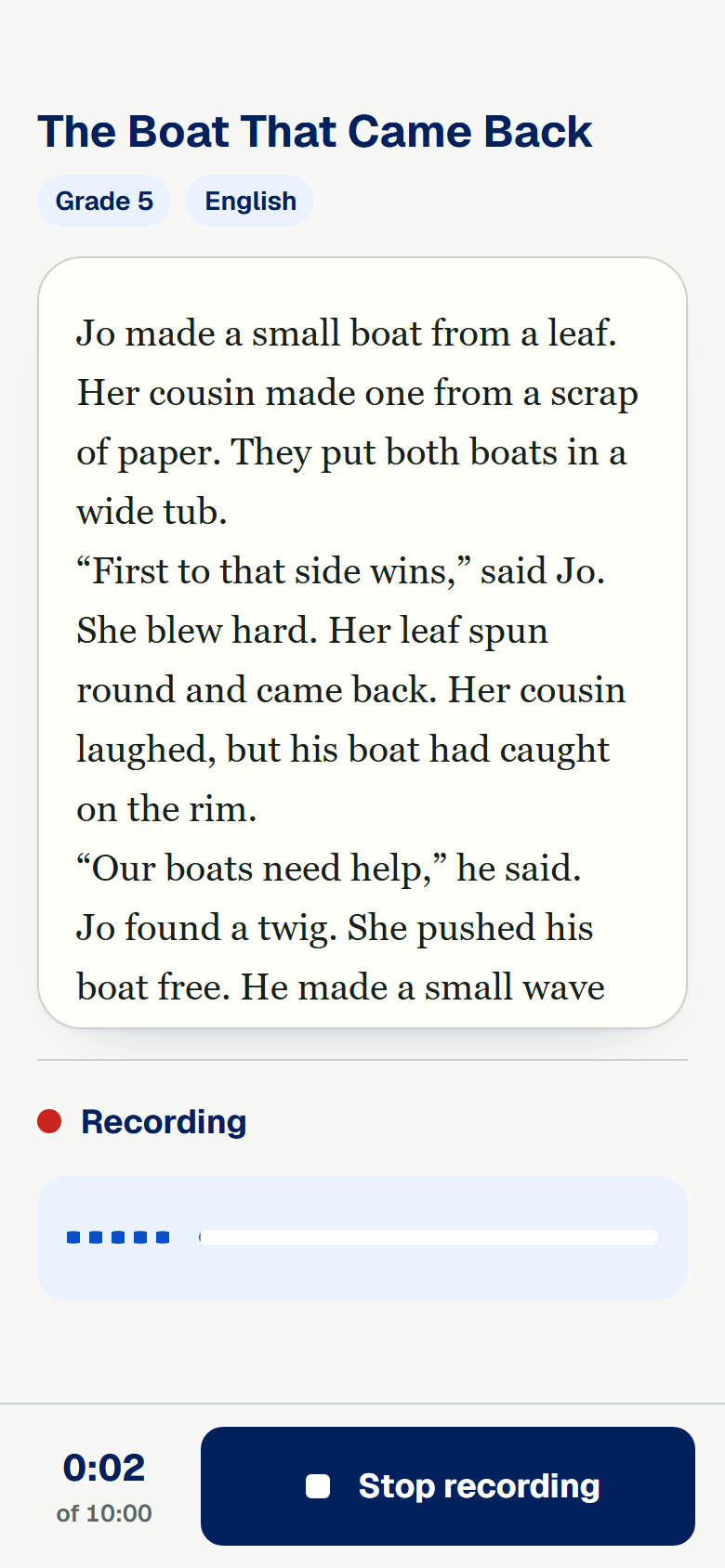
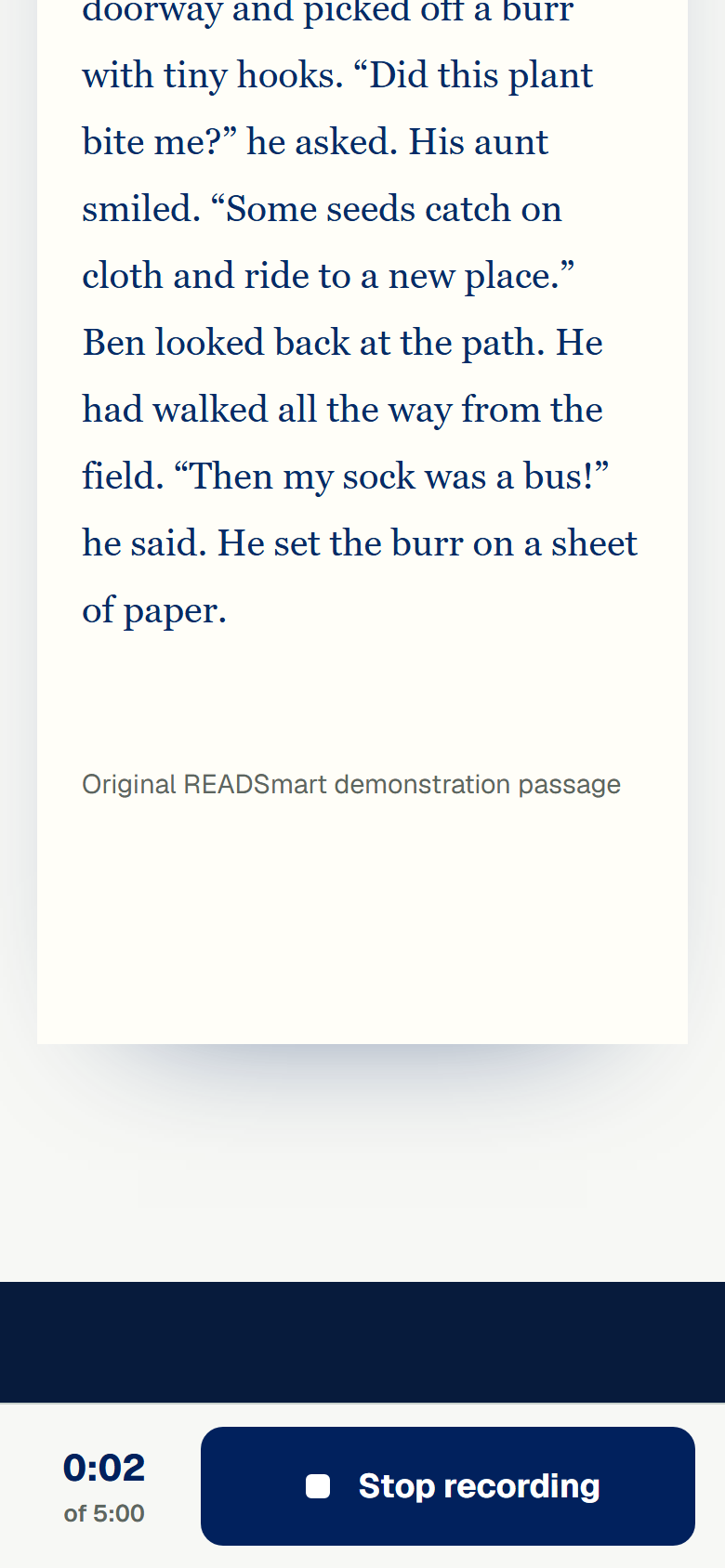
Your grade has 100 READSmart stories in English and 100 in Filipino. Search for a story by typing a word, or pick English or Filipino to see fewer stories. Some stories are for reading on the screen. Use Read aloud when it is shown. Tap a story's name to read it over before you record. When you are ready, tap Read aloud, and READSmart starts recording right away. You can tap Check my microphone first to hear how you sound. Tap Stop recording when you finish, and READSmart sends your reading for you. Stop recording and the timer stay at the bottom while you scroll through the story.