
Approve teacher requests
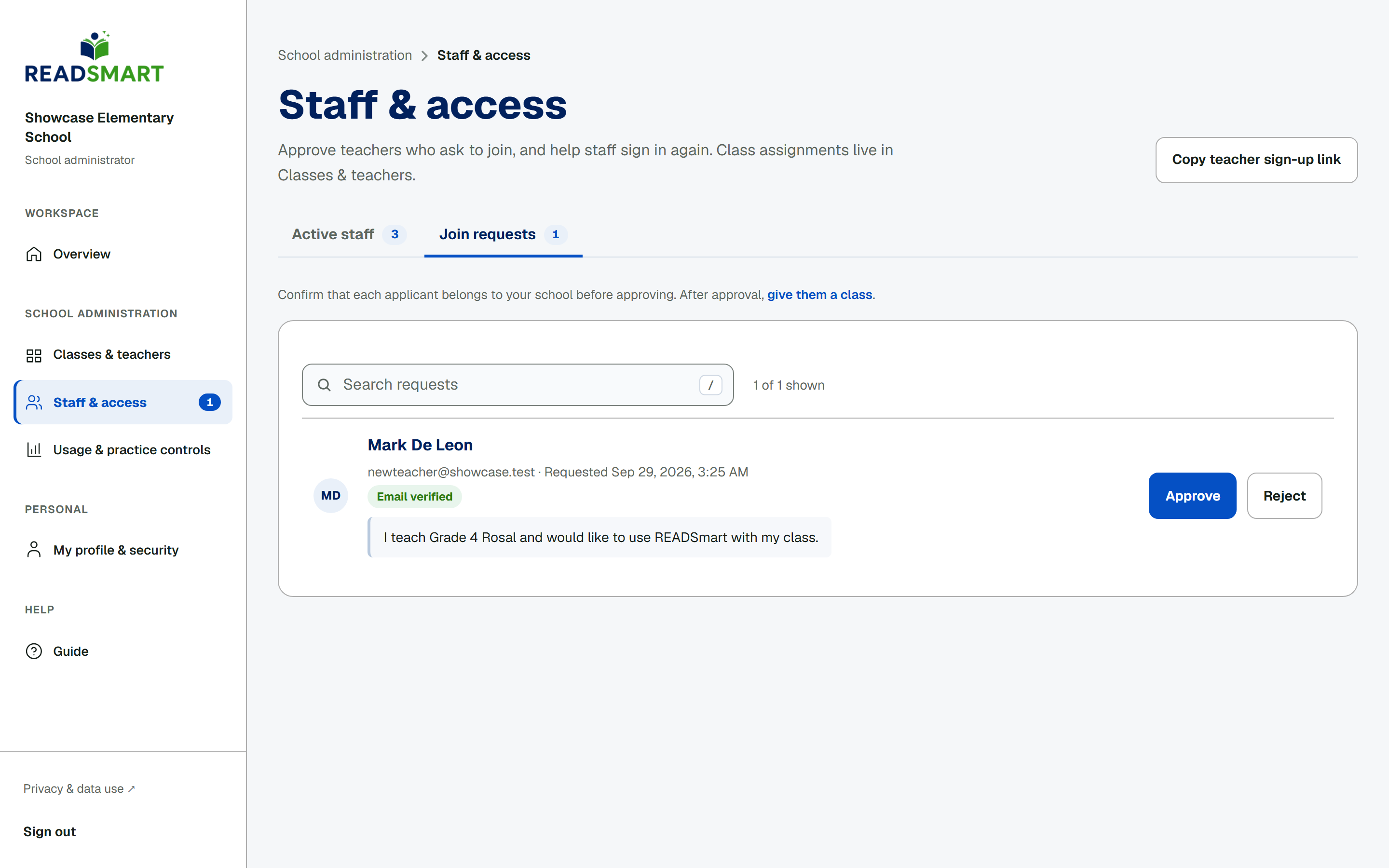
A number on the Staff & access link in the sidebar counts join requests waiting for you. Open a request and check the Email verified badge before you decide. Read the teacher's note if they left one, then tap Approve or Reject. Rejecting asks you to confirm first, since the teacher is emailed and never gets to sign in. An approved teacher gets an email too, and signs in again to continue.