
Skip to content
HomeDemoGuidesInstall appAboutContactSign In
Interface language
Student guide
  1. 1. Sign in
  2. 2. Sign in for the first time
  3. 3. Add READSmart Online to your phone
  4. 4. Get READSmart Offline
  5. 5. Your home page
  6. 6. Use the guide
  7. 7. Take a reading check
  8. 8. Read a practice story
  9. 9. Answer the questions
  10. 10. See what READSmart heard
  11. 11. Make your own story
  12. 12. See your progress
  13. 13. Language and signing out
  14. Questions
  1. Guides
  2. /Student guide
  3. /Make your own story

11 of 14

All topics
  1. 1. Sign in
  2. 2. Sign in for the first time
  3. 3. Add READSmart Online to your phone
  4. 4. Get READSmart Offline
  5. 5. Your home page
  6. 6. Use the guide
  7. 7. Take a reading check
  8. 8. Read a practice story
  9. 9. Answer the questions
  10. 10. See what READSmart heard
  11. 11. Make your own story
  12. 12. See your progress
  13. 13. Language and signing out
  14. Questions

Make your own story

Asking for a new story
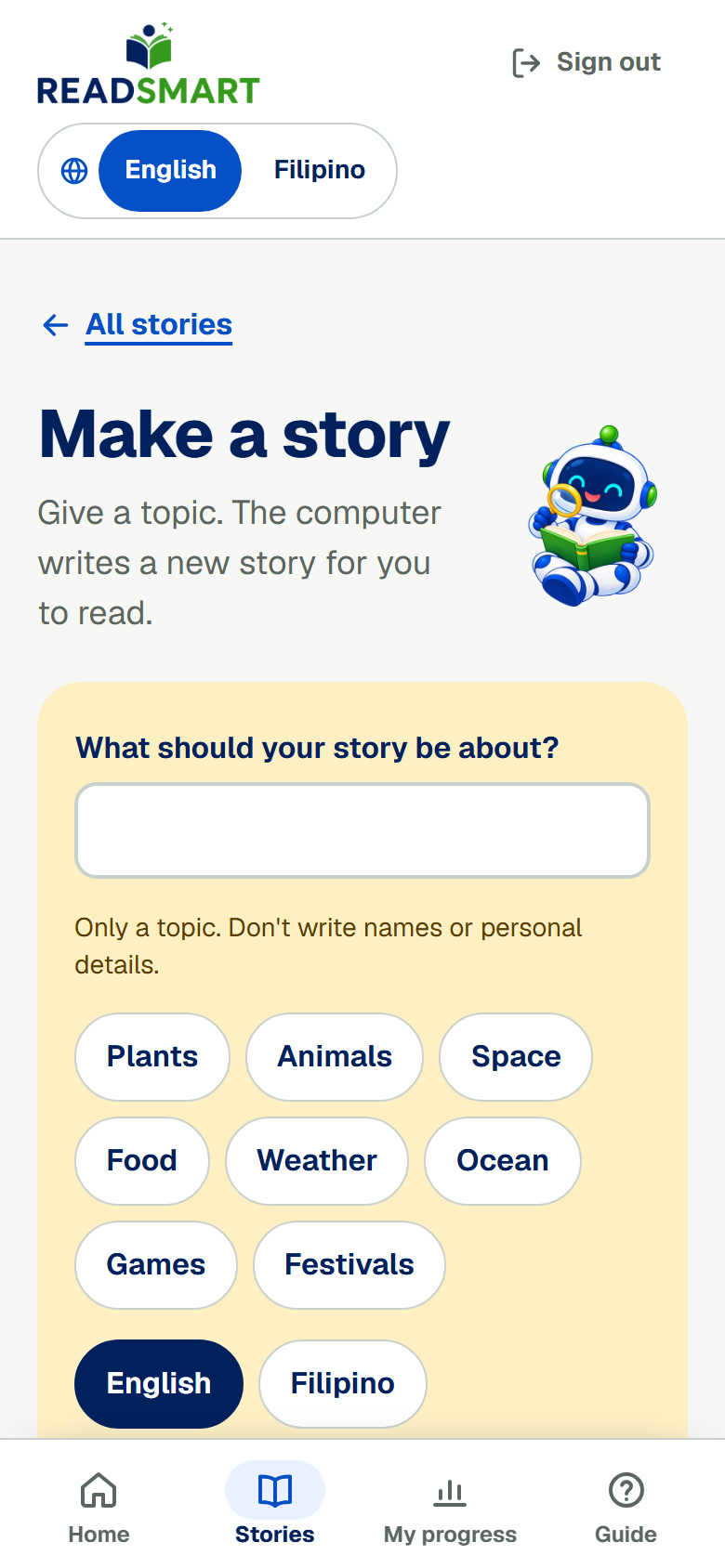
Tell READSmart what your story should be about.

Pick a topic and a language, then tap Make my story. READSmart writes a story about your topic and draws a picture for it. Your home page and the story list show how the story is coming along. Your teacher checks the story before you can read it, and you can only make a few new stories each day.

Previous See what READSmart heardAll topicsNext See your progress

Download the whole guide (PDF, 4.5 MB)

READSmart

Read Today. Learn Today. Grow Every Day!

GuidesResearchAboutContactPrivacySources

Oral reading research for Grades 4–6 by Cyrill D. Tapales, MSIT · Eastern Visayas State University, Main Campus