
Set up classes
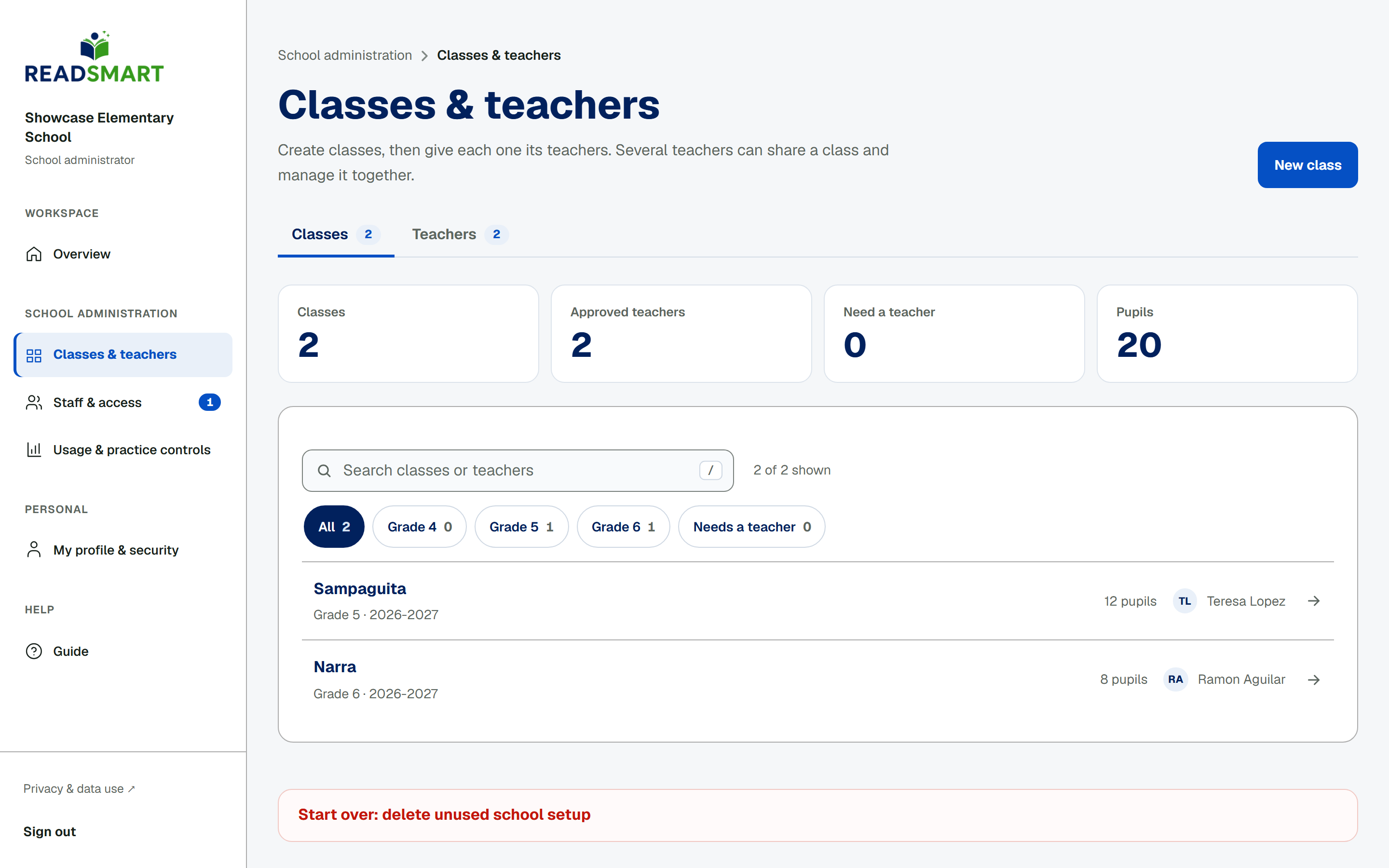
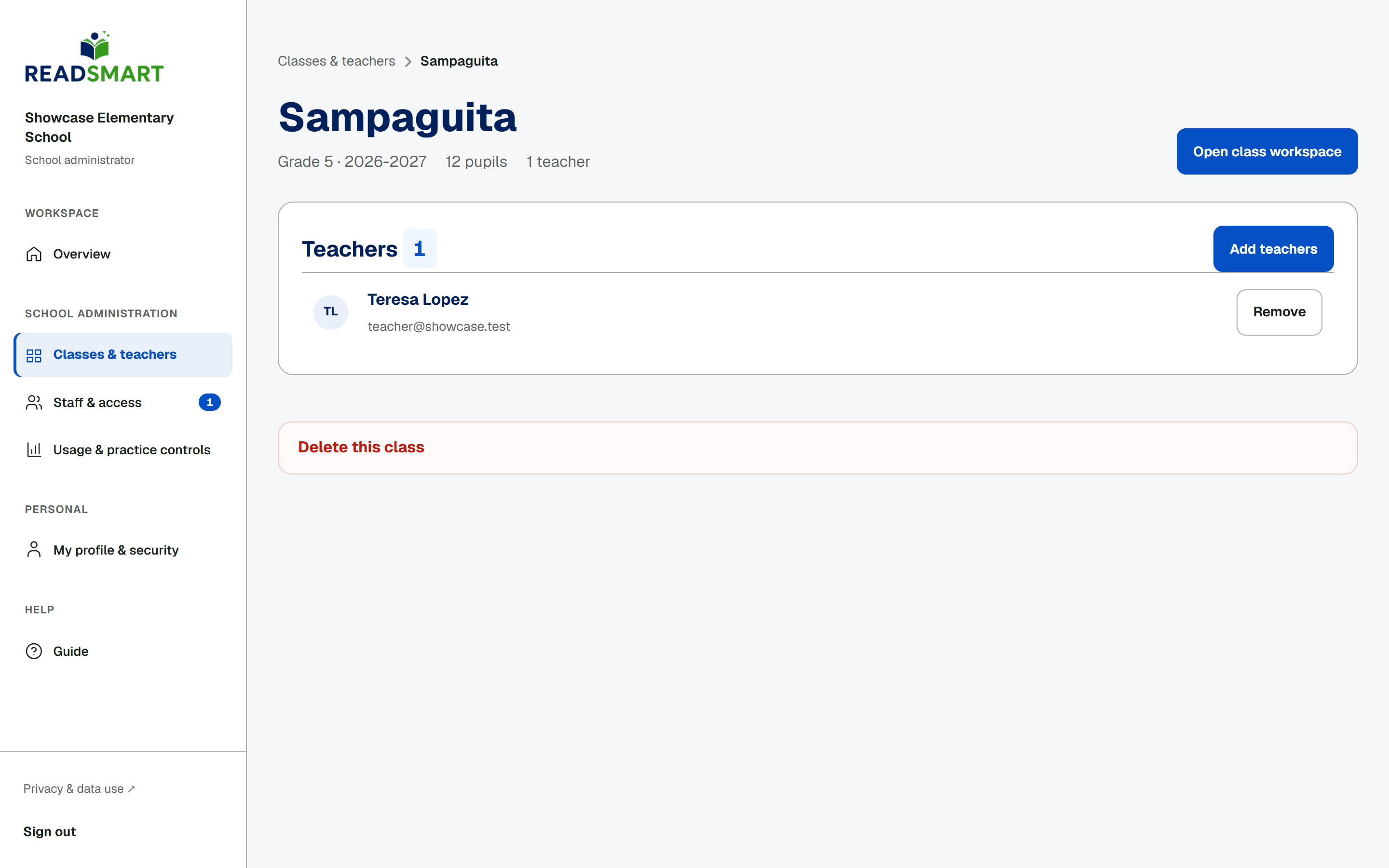
Tap New class, pick a grade, and type a section name and school year, then tap Create class. A new class starts with no teacher, so you land straight on its team page: tap Add teachers, search by name or email, and tick everyone who should manage the class together. Each class page has a danger zone that deletes the class once none of its students have assessment, consent or practice history. The classes list has its own danger zone that clears out unused classes and student logins in one go, without touching staff accounts.