
Manage staff access
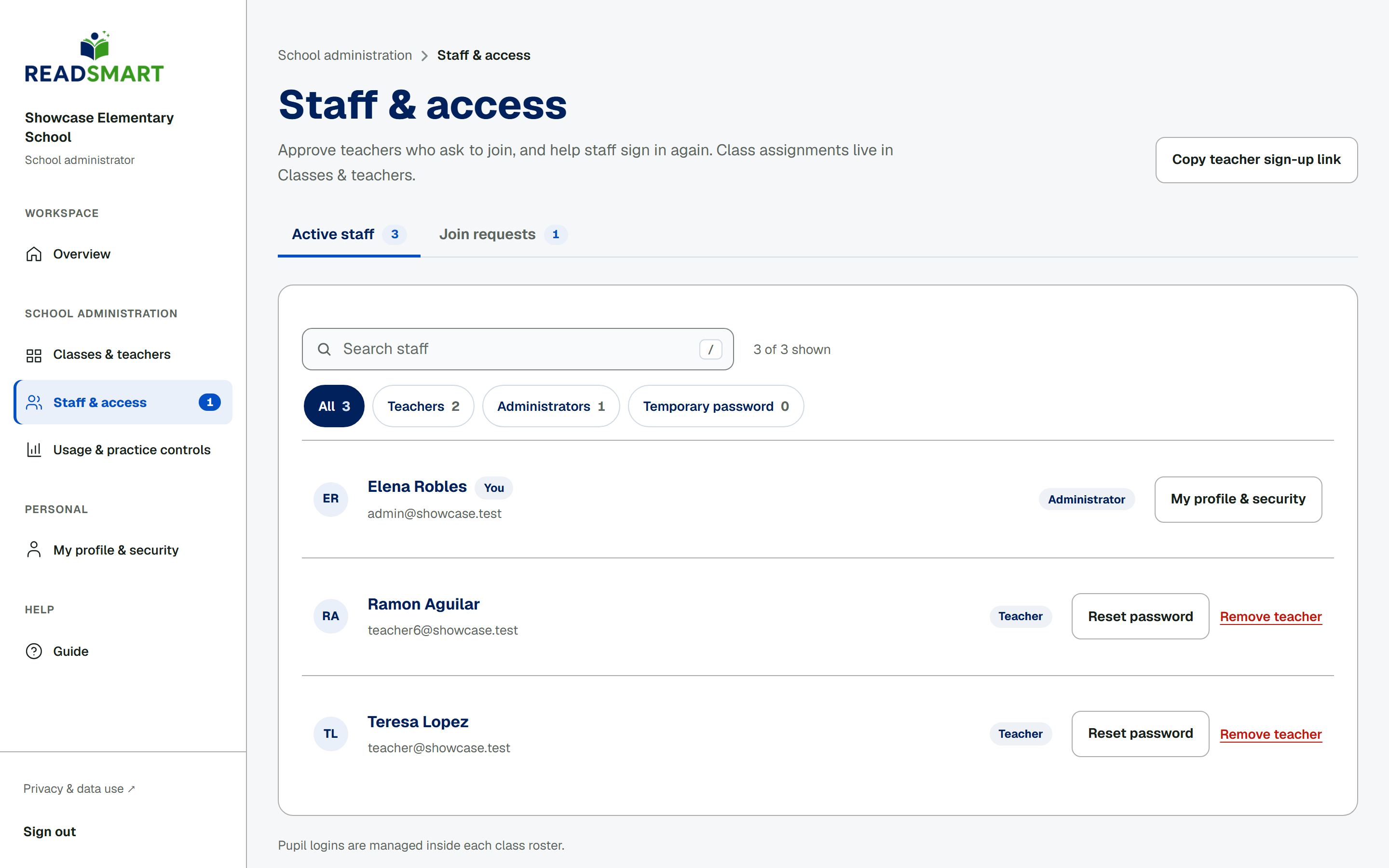
Staff & access lists every active teacher and administrator at your school. Filter by role, or by Temporary password to find anyone who still needs to set their own. Tap Reset password for any teacher or administrator who is locked out: this issues a temporary password, shown once, that you copy or print for them. Only a teacher can be removed from this page; tap Remove teacher and type their name to confirm, which turns off their access and class assignments at once. Their past checks, scores and audit history stay on record.